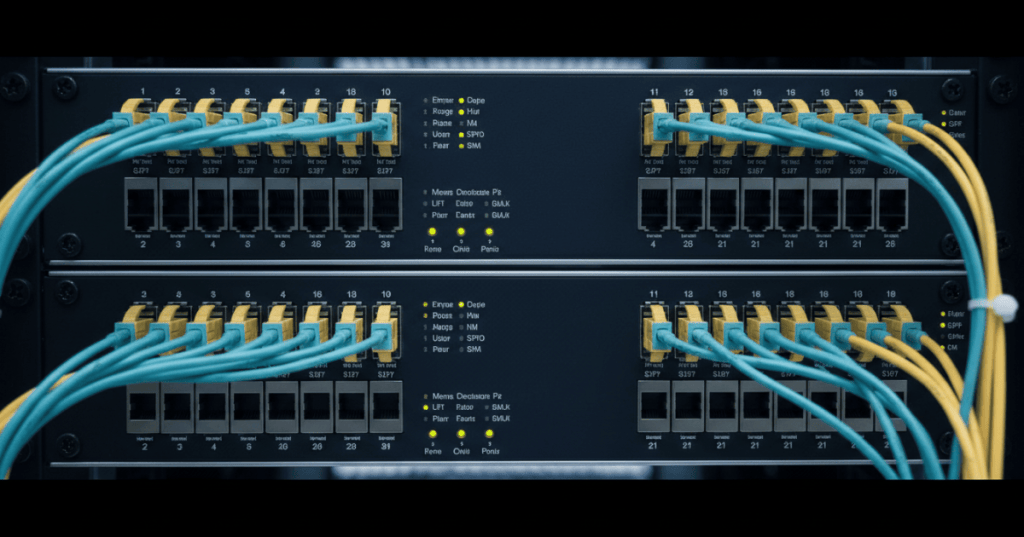
IEEE 802.1AE Media Access Control Security (MACsec) protects Ethernet frames on supported links through authenticated integrity checks, optional confidentiality encryption and replay protection. Following OSNTC.037 on 802.1X network access control, the networking technician now needs to recognize a secured Ethernet link, distinguish MACsec from port admission, and diagnose a failed key-agreement session without disabling encryption to restore connectivity.
Learning Objectives and Prerequisites
- Explain why Ethernet link encryption differs from IPsec, TLS, and 802.1X port authorization.
- Identify MACsec peers, connectivity associations (CAs), secure channels (SCs), secure associations (SAs), and secure association keys (SAKs).
- Describe the roles of MKA, CAK, CKN, key-server election, and packet numbers in a protected link.
- Distinguish an ordinary physical link-up indication from an authenticated, secured MACsec session.
- Use vendor-documented read-only show commands and interface counters to diagnose a failed session.
- Document an outage-safe lab observation and explain why changing keys or policies requires authorization.
Prerequisites include Ethernet link negotiation, LLDP neighbor discovery, Layer 2 switch security, and the preceding 802.1X lesson. MACsec examples describe concepts that apply to compliant hardware; operational commands are vendor and software-release specific.
The Problem MACsec Is Designed to Solve
Ethernet carries traffic across cables, switch ports and provider connections. Physical control of a wiring path is not always guaranteed, and higher-layer encryption may not cover every protocol in a link. MACsec provides protections at the media access layer and can authenticate the origin and integrity of frames transmitted between MACsec peers. With encryption enabled, it also makes protected payload data unreadable to an observer without the appropriate keys.
The IEEE 802.1AE working-group overview identifies confidentiality, data integrity, data-origin authenticity and privacy protections. IEEE 802.1AE was first published in 2006; IEEE 802.1AE-2018 remains a base standard alongside later approved amendments. A network engineer must still confirm current capabilities and software versions on the actual devices, because a generic standards description does not ensure that every interface, transceiver, card or device supports a requested mode.
MACsec is primarily link or segment protection, not a universal replacement for end-to-end application encryption. A packet may be decrypted at an intermediate MACsec endpoint before crossing another segment. TLS or IPsec can still provide separate protection at higher layers.
Cisco, “Effortless Network Security with Cisco MACsec as a Service” (June 24, 2020). The official Cisco presentation illustrates enterprise and provider MACsec deployment models. The video title, channel, and ID were checked against public source records; WordPress iframe output and actual playback require post-publication verification.
What Is Protected Inside an Ethernet Frame?
A MACsec-protected Ethernet frame carries a security tag (SecTAG) and an integrity check value (ICV), with a protected portion of the Ethernet traffic between them. A MACsec-specific EtherType of 0x88E5 identifies MACsec traffic. The SecTAG carries information including a packet number and an association number, with a secure channel identifier when applicable. The receiver uses the relevant secure association and packet number to authenticate the frame and check for replay or tampering.
The exact field arrangement and overhead depend on tag options, cipher suite and device implementation. Some Ethernet header information must remain available for forwarding. An engineer should not claim all frame bytes are encrypted. IEEE describes both confidentiality and integrity services; some deployments deliberately use integrity-only operation with payloads left readable. Juniper’s advanced MACsec guide documents the distinction between encrypted and integrity-only modes.
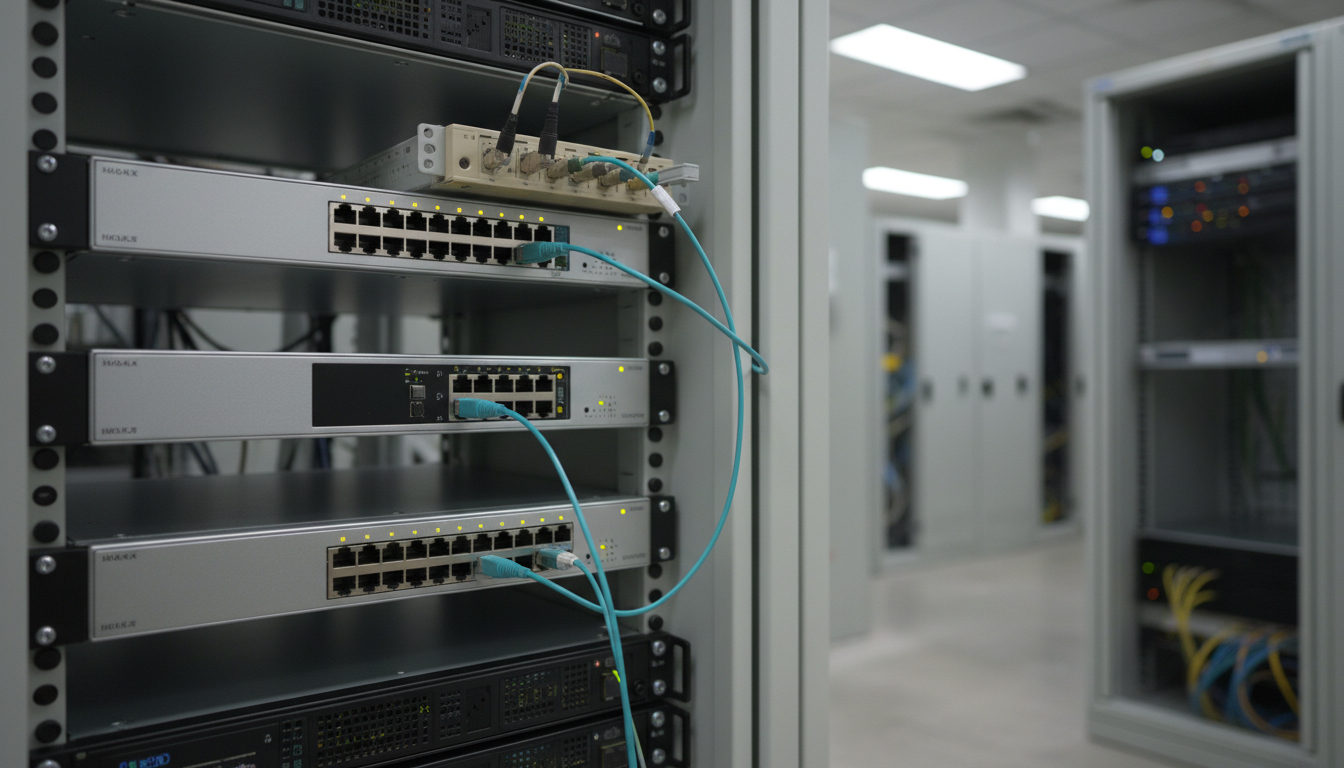
MKA, Authentication, and Key Management
The MACsec Key Agreement (MKA) protocol, specified with IEEE 802.1X, enables authenticated peers to coordinate link protection. MKA establishes and manages a connectivity association, determines live peers, elects a key server and manages the secure association keys (SAKs) used for frame protection. MACsec performs the protected frame processing; MKA is the protocol for managing keys and peer state.
In a preshared-key design, the connectivity association key (CAK) is a shared secret used in the association, and the connectivity association key name (CKN) identifies the relevant key context. The name is not itself a secret key. A mismatch in CAK or CKN prevents the expected trusted relationship. In other deployments, key material can derive from an 802.1X authentication exchange. Secure credentials must never be pasted into tickets, screenshots, or public training examples.
A secure channel (SC) represents a one-way relationship for protected frames; within it, secure associations (SAs) carry the active cipher and key context. A packet number (PN) supports replay detection and unique cryptographic nonces. MKA coordinates SAK installation and key changes. The Cisco WAN MACsec troubleshooting guide describes peer discovery, key-server election, cipher selection, SAK distribution and rekeying.
Standard MACsec supports GCM-AES cipher suites; options include AES-128 and AES-256 and extended packet numbering (XPN), subject to platform support. XPN extends the numbering regime to reduce the frequency of packet-number exhaustion in high-speed links. It is not a reason to disable rekeying or packet-number protections.
An Operational State Is More Than Link Up
The interface LEDs might show a healthy optical or copper connection while MACsec remains unestablished. A technician therefore separates physical link state, 802.1X or MKA authentication state, secured session status, and data-plane forwarding. The path can fail at more than one layer; confirming a light is on proves neither that key agreement succeeded nor that protected traffic is passing.
- Physical layer: check transceiver compatibility, signal condition, negotiated speed, duplex and interface errors.
- Peer and key agreement: confirm the expected MKA peer is discovered and that the authorized key context and key-server decision are consistent.
- Cipher negotiation: check whether both endpoints support the selected cipher suite and packet-number mode.
- Policy: determine whether the endpoint requires secure traffic, permits temporary unprotected traffic, or intentionally rejects noncompliant frames.
- Data plane: review ingress and egress MACsec counters, ICV failures, replay discards, packet-number state and unexpected drops.
A security alarm or lost peer after a device upgrade may indicate policy or software interoperability differences rather than a bad cable. Conversely, a physical fault may prevent the MKA exchange from completing at all. Neither scenario justifies copying a working secret from a different device or moving traffic to a permissive port.
Read-Only Verification on Cisco and Juniper
Cisco IOS XE devices that implement the relevant MACsec CLI can expose MKA session state and MACsec interface details. The exact command spelling and available output depend on platform and software release. The following are documented illustrative read-only commands, not configuration commands or evidence that a particular switch was tested:
show mka sessions
show macsec interface
Cisco’s Catalyst MACsec configuration guide documents these verification commands. On a device that supports them, inspect established versus pending sessions, the selected key server, peer identity, active associations and the interface’s protected frame counters. Some releases provide a singular show mka session form, so verify against the device’s own command reference.
Juniper Junos platforms provide operational MKA and MACsec status commands, subject to product support. The official command reference documents the following:
show security mka sessions
show security mka sessions detail
show security macsec statistics
Do not misinterpret a secured MKA state as evidence that a particular end-user application has no security or performance issues. Verify forwarding and required services separately, using logs and counters appropriate to the maintenance plan. Commands are executed only on equipment the technician is authorized to inspect.
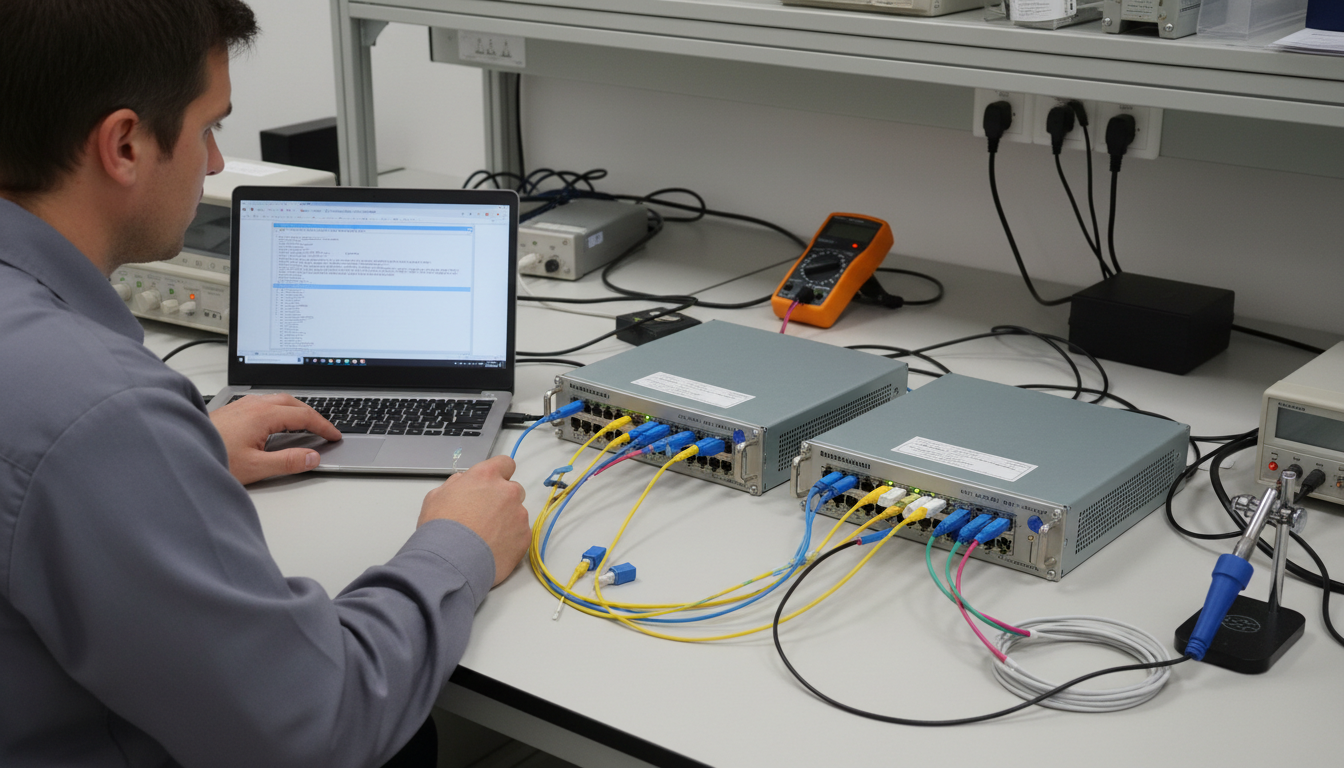
Practical Lab — Diagnose Two Hypothetical Secure Links
The following activity is a paper or simulator-based exercise and requires no production device changes. Learners compare observations from two hypothetical interfaces. No real CAK, CKN, certificate or other secret is supplied.
- In Scenario A, the physical port is up and passing light, but no secure MKA session appears. Write down three possible causes, separating missing peer discovery, incompatible key context and unsupported cipher configuration.
- In Scenario B, the MKA session is secured, but protected-frame discard counters rise. Consider ICV failures, replay-window behavior and direction-specific interface faults before accusing the other device of misconfiguration.
- Describe what observations a switch operator can collect without exposing secrets: interface identity, peer identity, redacted association identifiers, session state, selected cipher, link errors and appropriately sanitized counters.
- Draft an escalation note naming the observed failure, time, interface, baseline, known change and approved next action. Do not propose disabling MACsec as a default repair.
- Choose a safe acceptance criterion: both ends report a secured session, the peer identity is expected, counters remain within site-established thresholds, and authorized test traffic meets service requirements.
An enterprise change-control system may require a peer review or dedicated maintenance approval before any key or policy modification. A lab using real hardware should begin with vendor documentation and a rollback plan. If access is limited, use screenshots from official vendor documentation and clearly label expected output as a sample rather than recorded results.
Calculate Link-Layer Overhead Without Guessing
Consider a simplified MACsec example in which a selected configuration adds a 16-byte SecTAG and a 16-byte ICV to a frame. The added frame bytes are 16 + 16 = 32 bytes. Relative to a hypothetical 1,500-byte protected payload, that is 32 / 1,500 × 100 ≈ 2.13% additional bytes compared with the chosen payload size. This is a teaching calculation, not a measurement of throughput loss.
Real MACsec overhead depends on tag fields, optional SCI, implementation, packet mix, VLAN tags, physical-layer framing and whether encapsulation affects a given interface’s maximum transmission unit. An operator must verify interface MTU and effective path MTU rather than assuming a particular 32-byte example applies everywhere. Larger line-rate traffic volumes also make cipher support, hardware acceleration and packet-number mode especially important.
What MACsec Cannot Guarantee
MACsec does not secure a compromised endpoint, repair an incorrect VLAN, prevent every denial-of-service condition, or replace an organization’s access and change-control policies. Some traffic types may be excluded from protection, and encryption may terminate at each MACsec-capable hop. Avoid blanket statements that MACsec produces ‘end-to-end’ encryption when the actual deployment only secures successive links.
MACsec compatibility varies by switch, router, NIC, line card, transceiver interface and software version. Before any deployment, use an official product compatibility matrix and the actual operating-system reference. Juniper’s MACsec feature explorer illustrates why platform and release checks are part of responsible implementation.
Troubleshooting Checklist and Common Errors
- Link down: verify optics, cable continuity, transceiver state and interface negotiation before inspecting cryptographic state.
- No MKA peer: verify device roles, connectivity, permitted EAPOL exchanges, authentication prerequisites and interface feature support.
- Peer discovered but unsecured: inspect authorized CAK/CKN matching, cipher compatibility, key-server state and session policy without displaying secrets.
- Secure state but drops: inspect ICV and replay counters, sequence and rekey events, MTU and traffic direction.
- Intermittent failures: correlate logs with interface flaps, reauthentication, rekey timing and software changes.
- Policy mismatch: check whether each endpoint expects secured frames, allows exceptions or is configured for integrity-only mode.
Any configuration fix should follow documented change control and preserve rollback capability. Technical competence includes knowing when to stop and escalate; a secure network that fails closed can be working exactly as designed.
Knowledge Check With Answers
- What standard defines MACsec? IEEE 802.1AE. MKA key agreement is specified with IEEE 802.1X.
- What does MKA do? It coordinates authenticated MACsec peers, key-server selection, secure association keys and rekeying.
- What does an ICV failure suggest? Protected-frame integrity validation failed; further evidence is needed to determine whether the cause is tampering, an inconsistent key state or another operational problem.
- Why can a port show link up while traffic fails? The physical connection may be healthy while MKA or the data-plane security policy remains unestablished.
- What is a safe first response to a MACsec failure? Collect authorized read-only evidence, check both endpoints and escalate rather than turning encryption off.
- Is MACsec a substitute for TLS across an entire application path? No. It commonly protects particular Ethernet links, while application or network-layer encryption addresses different endpoints and trust boundaries.
Primary References and Further Reading
IEEE 802.1AE MAC Security overview; Juniper MACsec fundamentals; Cisco WAN MACsec troubleshooting; Cisco Catalyst MACsec configuration guide; Junos MKA session reference. The arithmetic and troubleshooting scenarios are explicitly hypothetical; no production changes or packet captures were performed.
Elementary Conclusion
MACsec extends Ethernet security beyond deciding who may connect. A capable technician should verify link status, authentication state, MKA peer membership, key management, protected-frame integrity and traffic outcomes as separate checks. Good troubleshooting preserves security controls while gathering enough evidence for a controlled repair.
Editor’s Note: OSNTC.038 follows the verified publication of OSNTC.037. Sources were reviewed from IEEE, Cisco and Juniper documentation current to November 6, 2026. Examples are instructional; no live MACsec lab or software runtime was operated. Illustrative editorial images are AI-generated; the Cisco video is an official published video, while iframe playback must be independently checked after publishing.

For mobile scanning, open the lesson on another display and use a compatible Bitcoin wallet to scan the original QR code. Verify the destination before donating 5,000 sats: 3C9o19EH5HSiwEPyCTmEKzxhNCbo2X6TTb.
We volunteer daily to ensure the credibility of the information on this platform is Verifiably True. If you would like to support our work and help further secure the integrity of our research initiatives, please scan the QR code below to donate 5,000 sats.
BitcoinVersus.tech is not a financial advisor. This media platform reports on financial subjects purely for informational purposes.


Leave a Reply