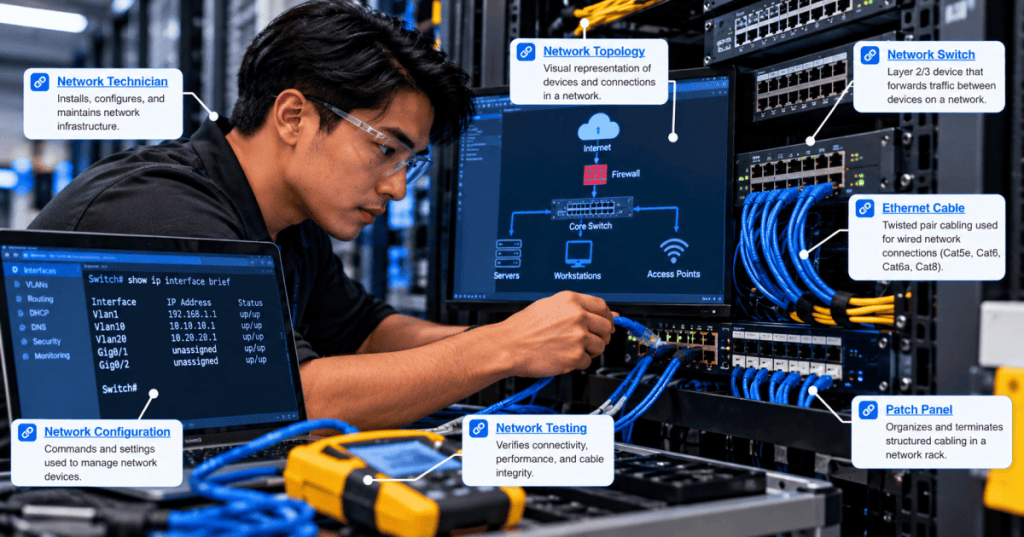
Link Layer Discovery Protocol (LLDP) is a vendor-neutral method that allows directly connected network devices to advertise selected information about themselves. A managed switch can use LLDP to identify a neighboring switch, access point, IP phone or server adapter on a particular physical interface. For technicians, the information helps confirm switch-port connections, trace patching mistakes and maintain accurate topology records. This is OSNTC.036, continuing the Networking Technician curriculum after OSNTC.035 on switch port mirroring and packet capture.
What LLDP communicates
LLDP operates at the data-link layer and is standardized in IEEE 802.1AB. Devices periodically transmit LLDP data units (LLDPDUs) on eligible interfaces. A receiving device can maintain a local table of discovered neighbors. Typical advertised fields include the chassis identifier, port identifier, time-to-live and optional descriptive information such as a system name, port description or system capabilities. LLDP is not an IP routing protocol, a cable-certification test or a guarantee that the reported name is accurate.
Unlike IPv6 Neighbor Discovery, which handles IPv6 address and neighbor functions, LLDP reports device identity and adjacency information on the local link. LLDP frames are not intended to be forwarded across ordinary bridges, so an entry generally describes a directly connected advertising neighbor, not every device reachable through the network.
A neighbor table and its meaning
Suppose a technician queries a switch and sees the following illustrative LLDP entry: Local port: Gi1/0/24; Neighbor: CORE-SW2; Remote port: Te1/1/1; TTL: 120 s. This suggests the local interface Gi1/0/24 is connected to a device advertising the name CORE-SW2 and remote port Te1/1/1. The TTL indicates how long the information remains valid if advertisements stop; it is not the cable’s latency or a physical distance.
The next previously published photograph shows the kind of managed Ethernet switch hardware and patch cabling a technician may inspect when reconciling LLDP information with a physical rack.
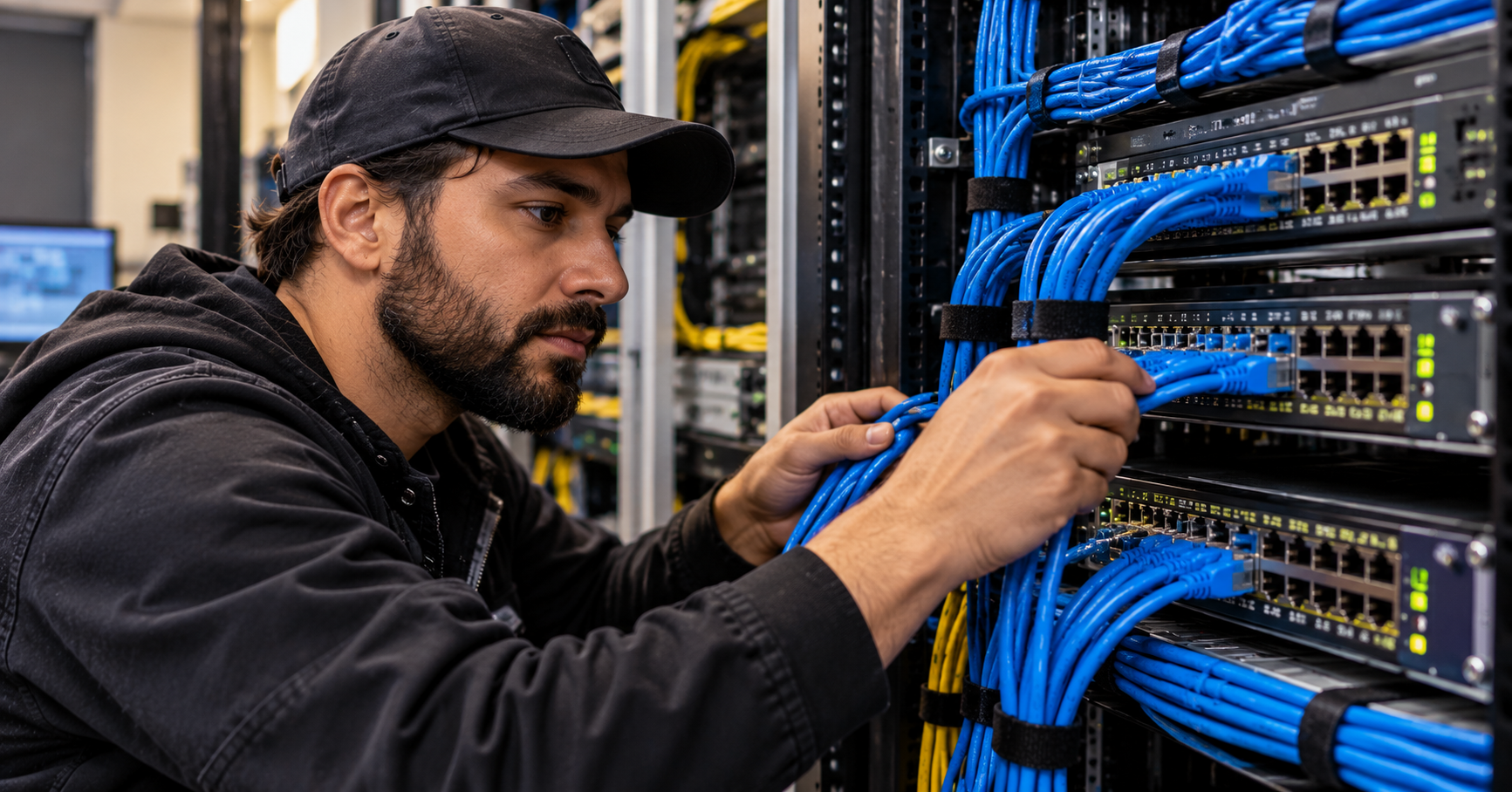
How LLDP information is collected
On many Cisco IOS-family switches, show lldp neighbors summarizes discovered neighbors and show lldp neighbors detail provides additional advertised fields. Other platforms use different commands or web interfaces; some systems require LLDP to be enabled first. On a Linux host, tools such as lldpcli show neighbors may be available when an LLDP daemon is installed and configured. These are examples, not universal commands for every vendor.
The technician should record the local interface, neighbor identity, advertised remote port, age or TTL, and any management address. Compare those values with the cabling records and the approved VLAN trunk or access-port design. An LLDP entry can help identify a connection, but a correct neighbor identity does not prove that VLANs, LACP or routing are configured correctly.
Using LLDP to find a patching error
Imagine that a switch inventory expects an uplink from access switch A port Gi1/0/48 to core switch B port Te1/1/2. LLDP instead reports core switch C port Te1/1/4. The mismatch suggests a patching or documentation problem, but it is not conclusive evidence of a wrong cable. A technician should verify the switch’s actual identity, inspect patch-panel labels and compare the observed interface status with the intended topology before making a change.
A safe troubleshooting sequence is to gather read-only neighbor tables from both ends, record interface counters and descriptions, confirm the physical patch path, and follow change control if repatching is required. This prevents an avoidable outage caused by acting on an incomplete topology assumption.
LLDP and packet capture
LLDP advertisements can be examined with a packet analyzer when traffic capture is authorized and supported by the interface. The relevant EtherType is 0x88CC. A capture filter or display filter can isolate LLDP traffic; in Wireshark, the display filter lldp is commonly used. The preceding SPAN and packet-capture lesson explains how mirrored traffic can support troubleshooting, although a mirror configuration and hardware behavior may affect which link-local control frames are visible.
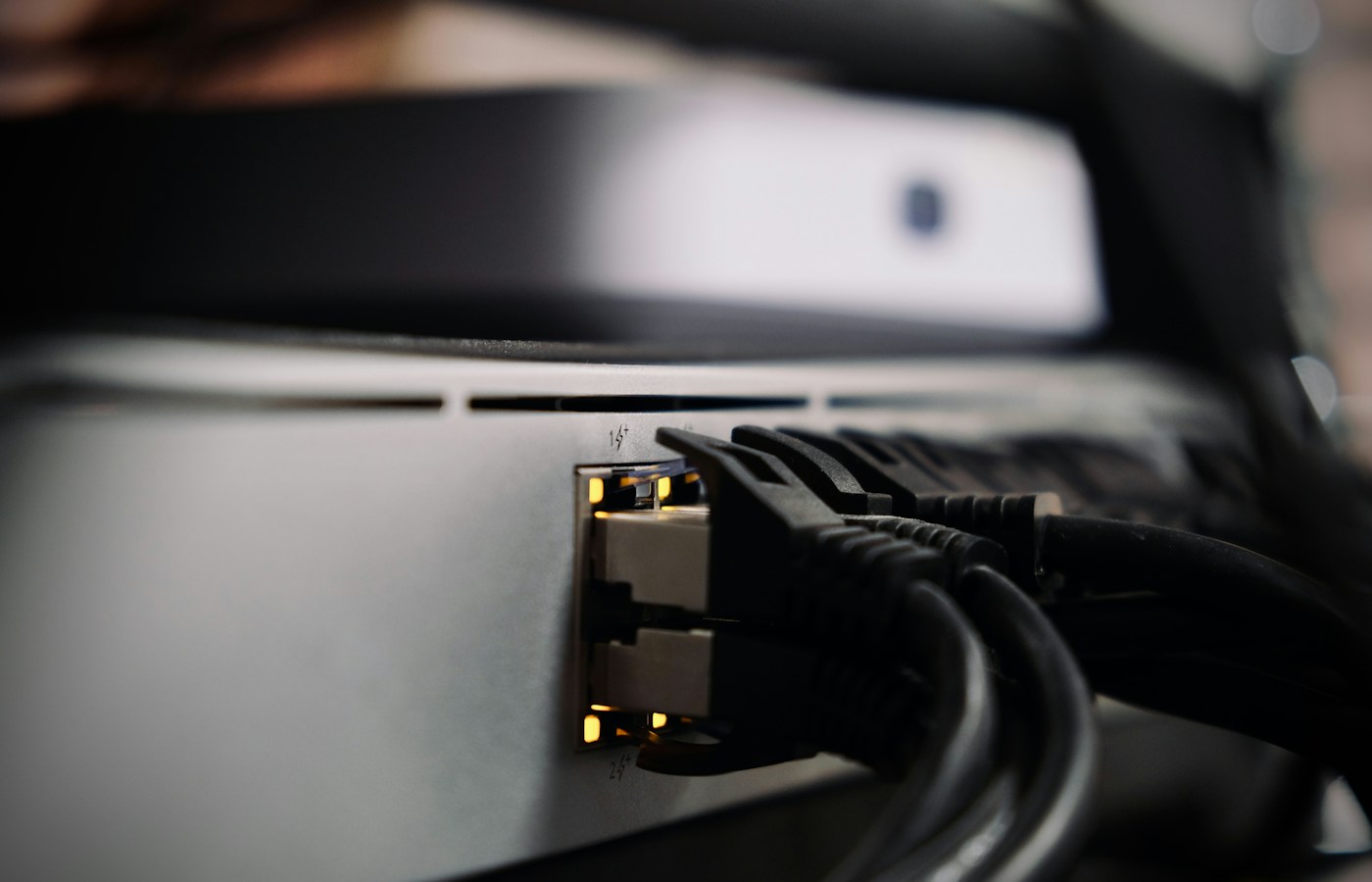
The next existing photograph illustrates physical switch links and Ethernet cabling. It provides context for the interfaces on which link-local discovery frames are exchanged.
Security and operational limitations
LLDP advertisements may reveal device names, port identities, software descriptions and network-management details to anyone who can observe the local segment. Organizations should follow their security policies on where LLDP is enabled, what optional information is advertised and which endpoints are trusted. A malicious or misconfigured device can also advertise misleading information, so LLDP is a discovery aid rather than an authentication mechanism.
LLDP entries may be missing because a device does not support LLDP, it is disabled, the interface is down, the advertisement interval or TTL has elapsed, or an intermediate device changes what is visible. Do not assume that an absent entry proves there is no physical connection. Confirm link negotiation, cabling and interface configuration separately.
Knowledge check
- Does an LLDP neighbor entry prove that the physical connection is correctly documented and securely authenticated?
- What does the LLDP time-to-live field control?
- Which EtherType identifies an LLDP Ethernet frame, and what Wireshark display filter commonly isolates it?
Answers: No; it is advertised discovery information that requires corroboration. TTL determines how long the neighbor entry may be retained without fresh advertisements. The EtherType is 0x88CC and the display filter is lldp.
References and related lessons
The primary standard is IEEE 802.1AB — Station and Media Access Control Connectivity Discovery. For practical configuration, consult the exact switch vendor’s LLDP command reference. Related curriculum pages include network switch basics, switch-port troubleshooting, 802.1Q trunking, link aggregation and packet capture.
BitcoinVersus.Tech Editor’s Note: Support independent networking education with a contribution of 5,000 sats. Scan the donation QR code below using a compatible Bitcoin wallet to help fund future lessons.

Display the QR code on another screen and scan it using your Bitcoin wallet.


Leave a Reply