
OSRTC.018 explains what industrial robot technicians inspect when a safety laser scanner protects a workcell entrance or a nearby moving robot. A scanner uses laser ranging to monitor defined areas; when an object enters the safety-rated protective field, its output signal changes to request a stop through the approved safety system. A scanner is only one part of the safeguarding design. The preceding OSRTC.017 addressed payload and center-of-gravity checks; the new lesson examines people-detection boundaries.
SICK Sensor Intelligence, “How to configure a safety laser scanner in 5 simple steps,” September 11, 2023. The manufacturer demonstrates microScan3 field configuration and verification in Safety Designer. A demonstration is not a substitute for commissioned safeguarding validation. Credit: SICK / YouTube.
Protective and warning fields perform different jobs
A protective field is intended to initiate a safety response when breached. A warning field can trigger an alarm or controlled reduction in speed but must not be treated as the personnel-protection function. The SICK S3000 operating instructions explicitly distinguish the two. A correctly configured protective field still depends on the safety controller, robot response and final stopping devices.
Pilz’s PSENscan product documentation lists a 275-degree opening angle, up to 5.5 metres protective-field range for selected variants and a stated 62 ms scanner response time. The total stopping time also includes controls and the robot’s actual braking behavior; 62 ms is not the complete safe-stop time or a universal separation-distance calculation.
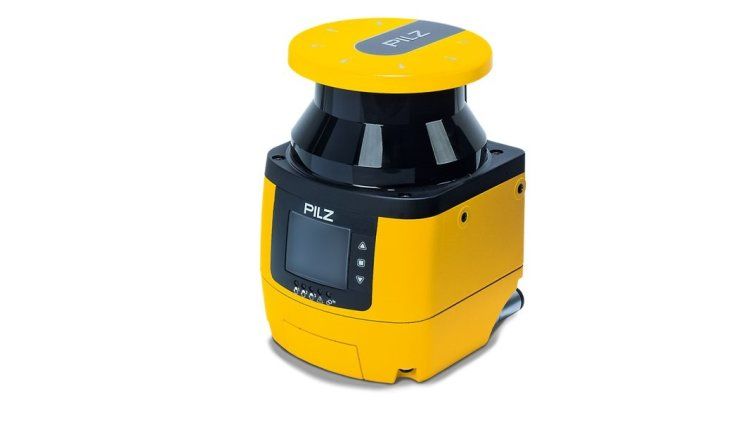
Inspect mounting, window condition and blind spots
A technician should identify the exact device, firmware or configuration revision, scan-plane height, mounting condition and approved field-set drawing. Inspect the optical window for contamination or damage, confirm brackets have not shifted and look for obstructions that create unmonitored areas. The manufacturer’s robot-area protection manual includes checks for scanner mounting, field coverage and whether a person can pass behind the field into a hazardous location.
The installation should be considered alongside OSRTC.001 on safe workcell entry and OSRTC.013 on fall-protection checks. Neither a painted floor line nor an apparent clear scan area demonstrates a compliant protection distance.
PilzNederland, “Product information PSENscan Pilz,” February 8, 2021. Official regional Pilz presentation covering protective zones, configurations, displays and robot applications. Product demonstrations must be checked against the installed device revision. Credit: PilzNederland / YouTube.
OSSD, reset and validation records
OSSD means output signal switching device. Under an approved architecture, intrusion causes the safety outputs to enter their safe state; an interlocked reset may then be necessary before the safety function can be rearmed. Reset acknowledgment must not itself initiate hazardous motion. SICK’s restart-interlock instructions distinguish immediate output re-enabling from monitored reset, and describe conditions under which automatic behavior is restricted.
Qualified personnel should document approved test results, scanner state, field-set identity, safety-controller diagnostics, stop-time evidence and restart behavior using an authorized commissioning procedure. Compare findings with OSEEC.028 on monitored safety reset and OSRTC.006 on robot fault recovery. Never bypass a scanner, defeat an interlock or test a protective field by walking toward a moving hazard.
Conclusion: Reliable scanner inspection combines verified protective fields, undamaged optics, valid OSSD behavior, safe restart logic and documented stopping performance. Device ratings alone do not certify a complete robot cell.
Editor’s Note: Core technical statements were checked against official SICK and Pilz documentation. Both YouTube sources are identified manufacturer presentations. The original photorealistic 1200 × 630 cover carries the neon-green Bitcoinversus.tech watermark; the technician and workcell scene are illustrative. The in-story PSENscan photograph is authentic manufacturer imagery. No live safety circuit, stop-time measurement or video-playback test was performed.
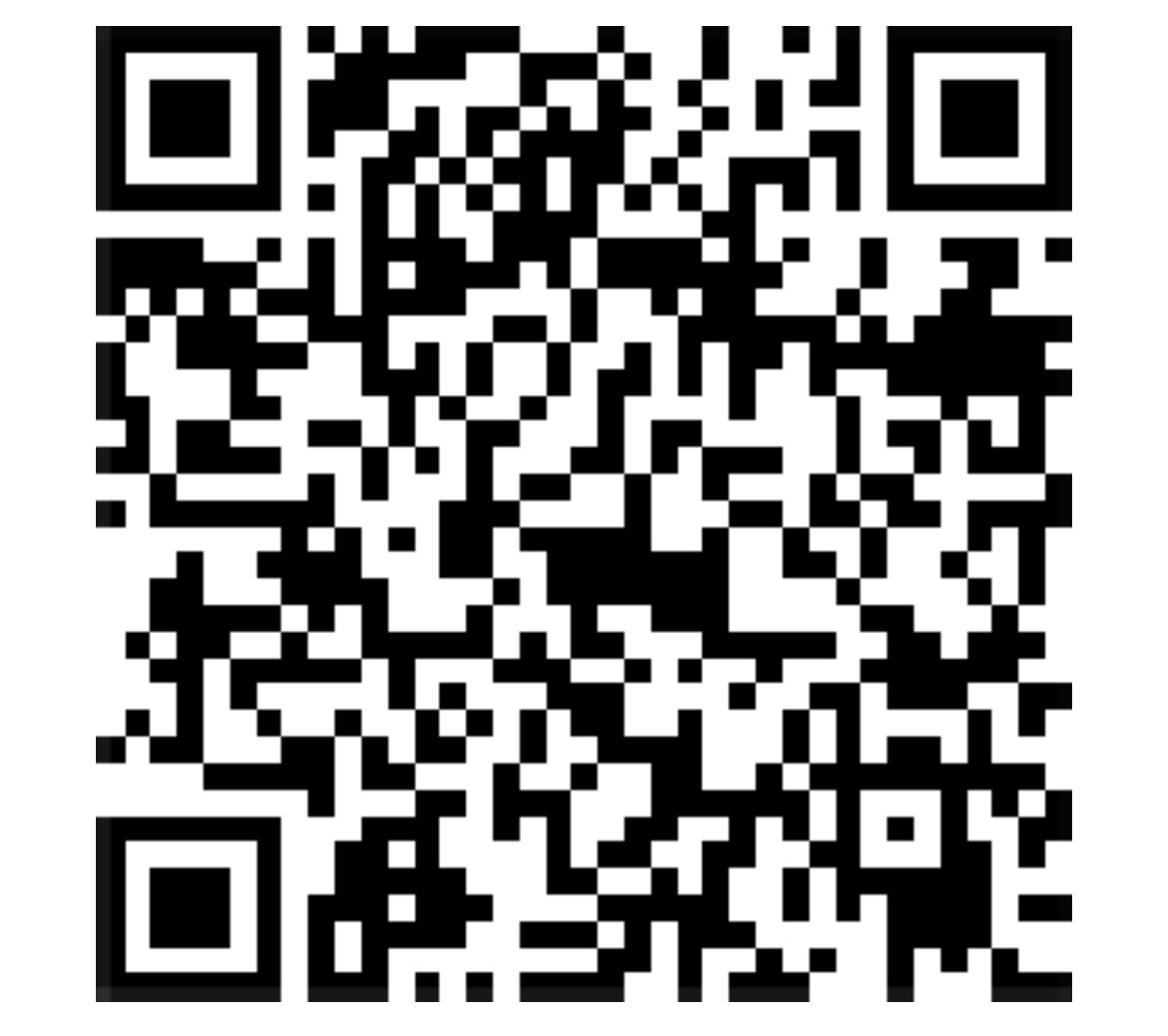
BitcoinVersus.Tech is volunteer-run and publishes independent technical education. An optional 5,000-satoshi donation supports research. Scan the original QR from another screen with a compatible Bitcoin wallet; on the same phone, use a wallet capable of importing a saved QR image. Independently confirm recipient 3C9o19EH5HSiwEPyCTmEKzxhNCbo2X6TTb and amount before transferring. Bitcoin payments are generally irreversible.
We volunteer daily to ensure the information on BitcoinVersus.Tech is Verifiably True. The lesson is educational, not permission to modify live robot safeguarding, and not certified engineering, financial or investment advice.


Leave a Reply