A MAC address, short for Media Access Control address, identifies a network interface on a local network. You will commonly see it written as six pairs of hexadecimal characters, such as 3C:52:82:1A:4F:90.
In OSNTC.001, you learned that an IP address identifies where a device communicates on an IP network. A MAC address serves a different job at the local Ethernet/Wi-Fi link layer. The simple technician idea is: IP addresses help traffic reach networks and hosts; MAC addresses help local network interfaces exchange frames.
What a MAC Address Looks Like
3C:52:82:1A:4F:90A traditional MAC address contains 48 bits, usually displayed as 12 hexadecimal digits. Depending on the operating system or tool, separators may appear as colons, hyphens, or periods.
MAC Address vs. IP Address
- MAC address: identifies a network interface for local link-layer communication.
- IP address: provides logical addressing used to communicate across IP networks.
A laptop can keep the same network interface while receiving a different IP address from DHCP. That is one reason technicians should know how to distinguish the two identifiers.
Video: MAC Address Explained
PowerCert Animated Videos provides a visual beginner explanation of MAC addresses and the difference between MAC and IP addressing.
How a Switch Uses MAC Addresses
An Ethernet switch learns which source MAC addresses appear on its ports. It builds a MAC address table so it can forward frames toward the appropriate port instead of treating every destination the same way.
Simple Example
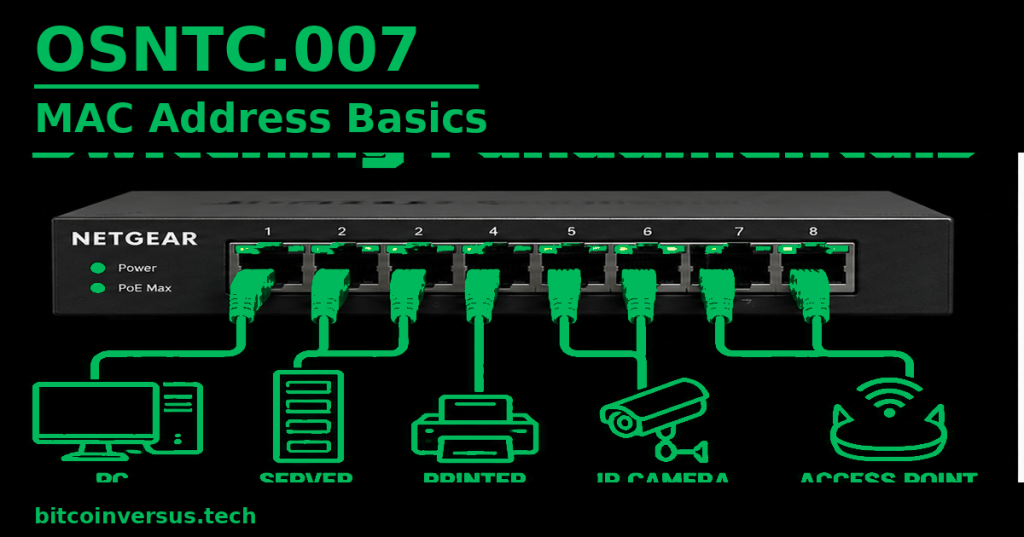
Imagine a PC and printer connected to the same switch. The switch can learn which port leads to the PC’s MAC address and which port leads to the printer’s MAC address. That local information helps it forward Ethernet frames between the devices.
Data Center Example
During rack-and-stack work, a technician may compare a server’s documented MAC address with the address learned on a switch port. If the expected address appears on the wrong port, that can point to a cabling or documentation problem.
Bitcoin Mining Example
A miner control board connected to Ethernet has a network interface with a MAC address. A technician can use the switch’s learned MAC information alongside IP and DHCP information to help identify which physical switch port reaches a particular miner.
MAC Addresses Can Change
Do not assume a MAC address is a permanent personal identity. Modern operating systems can use randomized or locally administered MAC addresses, especially on Wi-Fi. Virtual machines and software-defined interfaces can also use assigned virtual MAC addresses.
Practice
- What does MAC stand for?
- How many hexadecimal digits are normally displayed in a 48-bit MAC address?
- Explain one difference between a MAC address and an IP address.
- What does an Ethernet switch learn from source MAC addresses?
- Why might a technician compare a switch-port MAC table with device documentation?
- Why should you not assume every MAC address is permanently fixed?
Key Takeaway
MAC addresses identify network interfaces for local link-layer communication. Ethernet switches learn MAC addresses on their ports, while IP addresses handle logical network addressing. Knowing both gives a technician a clearer path from a device’s network identity to its physical switch connection.


Leave a Reply