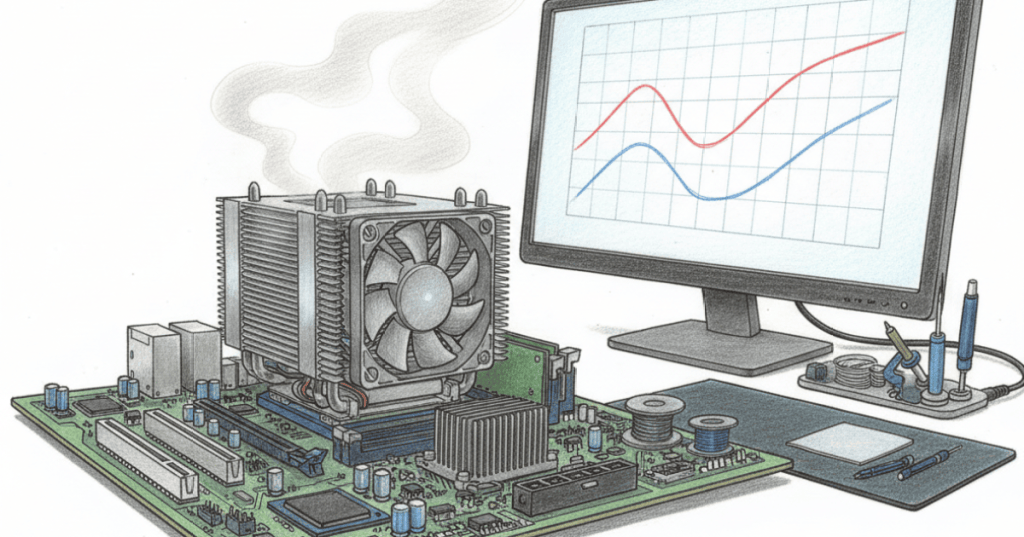
Thermal throttling is a processor protecting itself from excessive heat by reducing performance. When a CPU approaches its temperature limits, its control logic can lower clock frequency, voltage, or boost behavior so the chip produces less heat.
That is why a computer can benchmark quickly when cool and then slow during a long workload. The processor may support a high boost clock, but cooling helps determine how long it can remain there.
Why CPUs Create Heat
A modern CPU contains billions of transistors switching electrical signals as instructions execute. Higher activity, frequency and voltage generally increase power consumption, and much of that electrical power ultimately becomes heat that must leave the package.
Our guide to how a CPU runs a program explains the instruction cycle underneath that activity.
The Cooling Path Matters
Heat travels from the processor through its package and heat spreader, across a thermal interface, into a heatsink or cooling block, and finally into the surrounding environment. Dust, weak airflow, a stopped fan or poor heatsink contact can raise temperature and reduce sustained speed.
What Throttling Looks Like
A throttling CPU may show high temperature while its clock speed falls below the frequency seen earlier in the workload. Users can experience lower frame rates, slower renders, longer compilation times or inconsistent benchmark results.
Throttling Is A Protection Mechanism
Thermal throttling is normally a controlled response, not proof that a CPU has failed. The processor deliberately gives up performance to remain within operating limits. If temperature continues beyond what the system can safely manage, stronger protections can include shutdown.
Our CPU, motherboard, RAM and power troubleshooting guide covers the broader diagnostic context when heat is only one possible cause of instability.
Boost Clock Is Not A Permanent Promise
Modern processors adjust performance according to workload, temperature, electrical limits and available power. A maximum boost frequency is therefore not the same as a guaranteed all-core frequency that runs indefinitely under every workload.
Why Servers Care
At server scale, cooling affects entire fleets. Dense racks convert large amounts of electrical power into heat, so facility airflow and cooling capacity influence whether processors can sustain expected performance.
The same relationship appears in our CPU, GPU and NPU comparison: different processors target different workloads, but every high-performance processor needs a path for heat to leave the silicon.
The Easy Mental Model
Think of thermal throttling like a runner slowing before overheating. The runner has not forgotten how to run fast; conditions no longer allow that pace safely. Improve cooling and the processor may regain more performance headroom.
Sources
Technical references: Intel and AMD processor documentation, plus the verified Linus Tech Tips thermal-throttling demonstration embedded above.
BitcoinVersus.Tech
Editor’s Note
We volunteer daily to help keep the information on this platform verifiably accurate. If you would like to support our independent research, please donate here: 3C9o19EH5HSiwEPyCTmEKzxhNCbo2X6TTb
BitcoinVersus.tech is not a financial advisor. Content is provided for informational purposes.


Leave a Reply