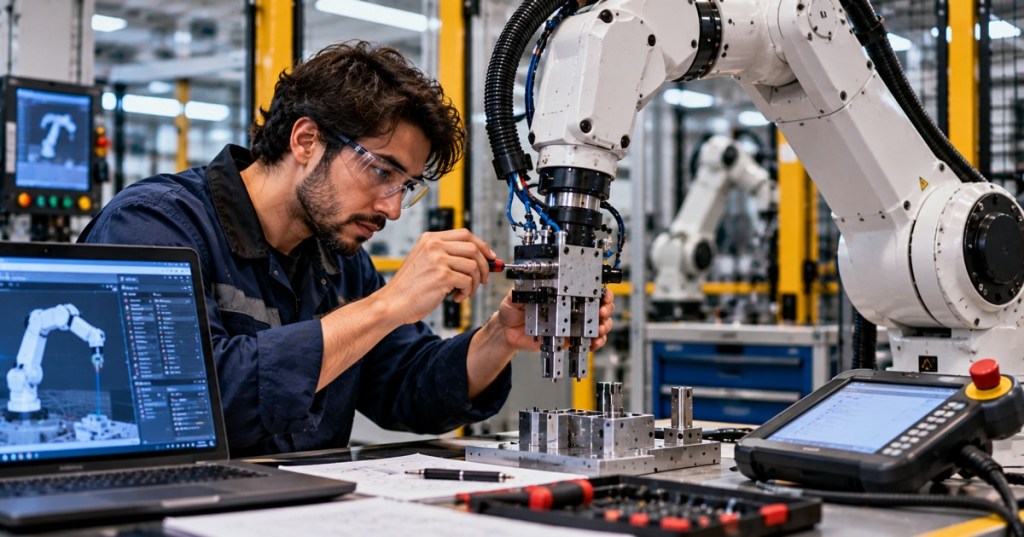
OSRTC.014 — Robot Gripper Inspection. An industrial robot can move precisely while its end effector fails to hold a workpiece. This lesson focuses on inspecting pneumatic gripper jaws, air lines and gripping performance without bypassing safeguarding. It follows OSRTC.013 and builds on OSRTC.004 on end effectors.
What you will learn
- Recognize common gripper jaw, seal and air-supply issues.
- Record objective evidence before escalating a fault.
- Understand safe functional verification after authorized maintenance.
The gripper as a system
A pneumatic gripper typically relies on regulated compressed air, valves, tubing, seals, a moving jaw mechanism, fingers or pads, sensors and a robot or PLC command. A failure to pick a part might come from poor jaw contact, insufficient gripping force, air leakage, incorrect part position or a sensor fault. Never assume a single cause from one symptom.
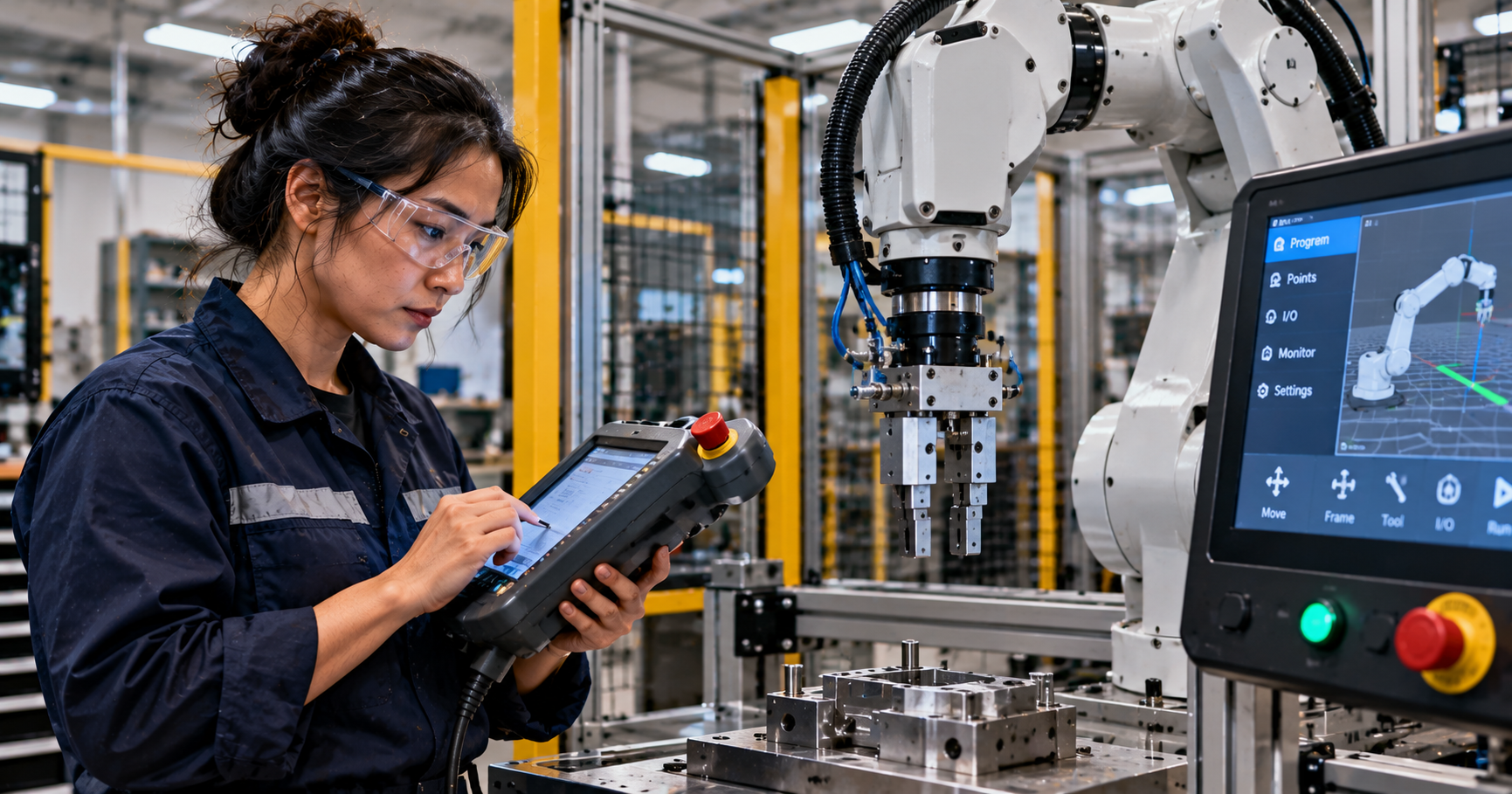
Inspection scene — guarded robot cell
A technician should begin with the workcell’s approved inspection and energy-control procedure. The following original editorial image illustrates the equipment layout; it is not an actual machine inspection record.
Safe visual and mechanical checks
- Review fault history, gripper model, tool mass, part dimensions and approved maintenance instructions.
- Check fingers and pads for wear, looseness, deformation, contamination or contact marks.
- Look for damaged tubing, loose fittings, unexpected pressure readings and sensor alignment issues.
- Confirm that the fixture, part presentation and programmed pick location have not changed.
- Record findings and request qualified repair; do not place hands in the robot’s reachable space while motion or stored energy could occur.
Compressed air can retain energy after electrical power is removed. Follow site-specific lockout/tagout and verified depressurization procedures before any permitted mechanical intervention. OSHA’s hazardous-energy guidance and OSHA’s robotics safety guidance provide background. Manufacturer instructions take precedence for actual equipment.
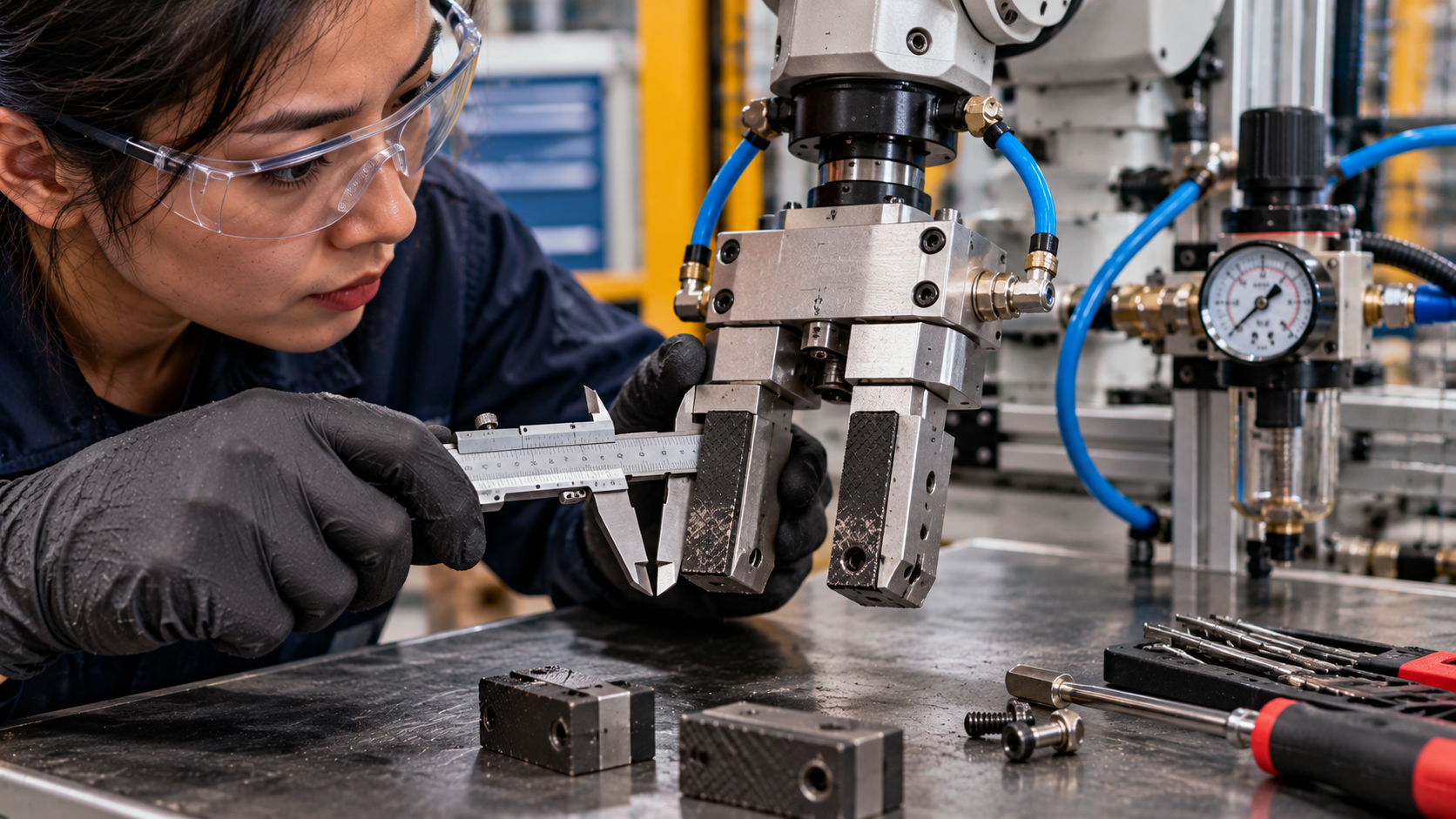
Inspection scene — gripper jaw wear
This second original editorial image focuses on jaw-pad inspection and measuring tools. It is an illustrative scene, not an instruction to measure an energized or pressurized end effector.
Interpreting symptoms
- Part slips: consider contact surface condition, workpiece variation, grip force and acceleration, then compare against the approved design.
- Jaw does not close: investigate command state, air supply, valve operation, obstruction and mechanism condition using authorized diagnostics.
- Intermittent confirmation signal: inspect sensor mounting, wiring and actual jaw position before changing software logic.
- Air leak: isolate and document the suspected location, then refer to qualified maintenance personnel.
Worked example
A pick-and-place cell begins dropping parts after a jaw-pad change. The technician records the affected station, part revision, gripper model, error timestamps and inspection observations. Comparing the replacement pad geometry and approved setup with the previous configuration may reveal a contact mismatch. A responsible engineer confirms the cause and authorizes corrective action. A supervised post-repair test checks grip confirmation, repeatability and part retention at the prescribed safe conditions.
Knowledge check
- Why can a successful robot motion still end in a failed pick?
- What is one risk of inspecting a pneumatic gripper without isolating stored energy?
- Why should technicians record part and pad revisions during troubleshooting?
Answers: The end effector and workpiece interaction can fail independently of robot positioning; residual pressure may actuate the jaws; revision differences can change contact geometry or required setup.
Further learning
Review SCHUNK’s gripper product and technical documentation and Festo’s pneumatic automation resources. For related course lessons, revisit OSRTC.012 on dress packs and OSRTC.007 on preventive maintenance.
BitcoinVersus.Tech Editor’s Note: Support independent robotics education with a donation of 5,000 sats using the QR code below.

Display this QR on a larger screen and scan it with your mobile Bitcoin wallet.


Leave a Reply