Elementary Overview
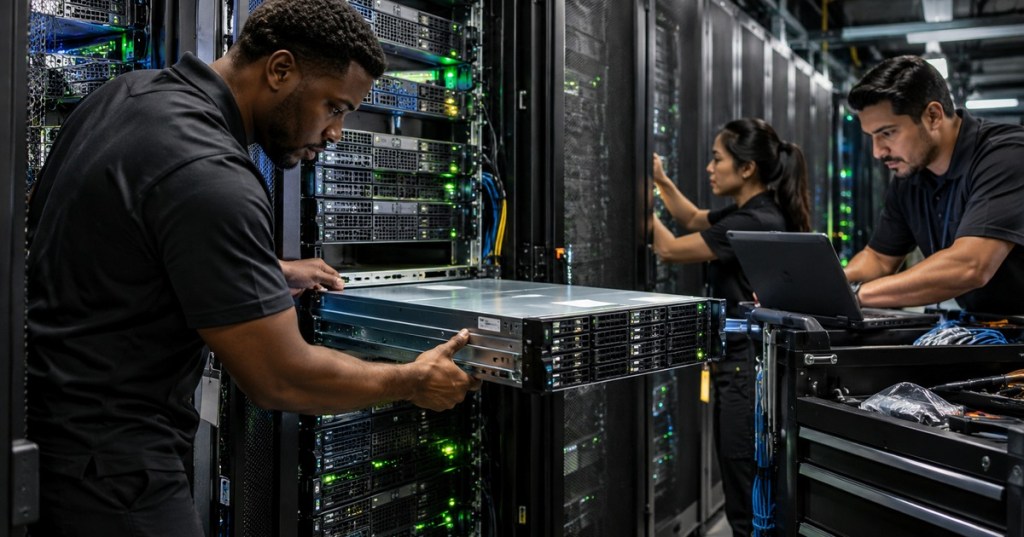
Server provisioning is the process of taking a physical server from installed hardware to a verified machine that is ready for production use. A technician may begin with a server that has just been mounted in a rack and end with a system whose firmware, storage, operating system, network settings, monitoring, asset records, and handoff documentation have all been checked.
This lesson follows OSDCTC.006: BMC and Out-of-Band Server Management. The previous lesson explained how technicians use iDRAC, iLO, remote console, event logs, and out-of-band power control. Provisioning uses those same management tools to prepare a server deliberately before it carries a real workload.
Provisioning Starts With Identity
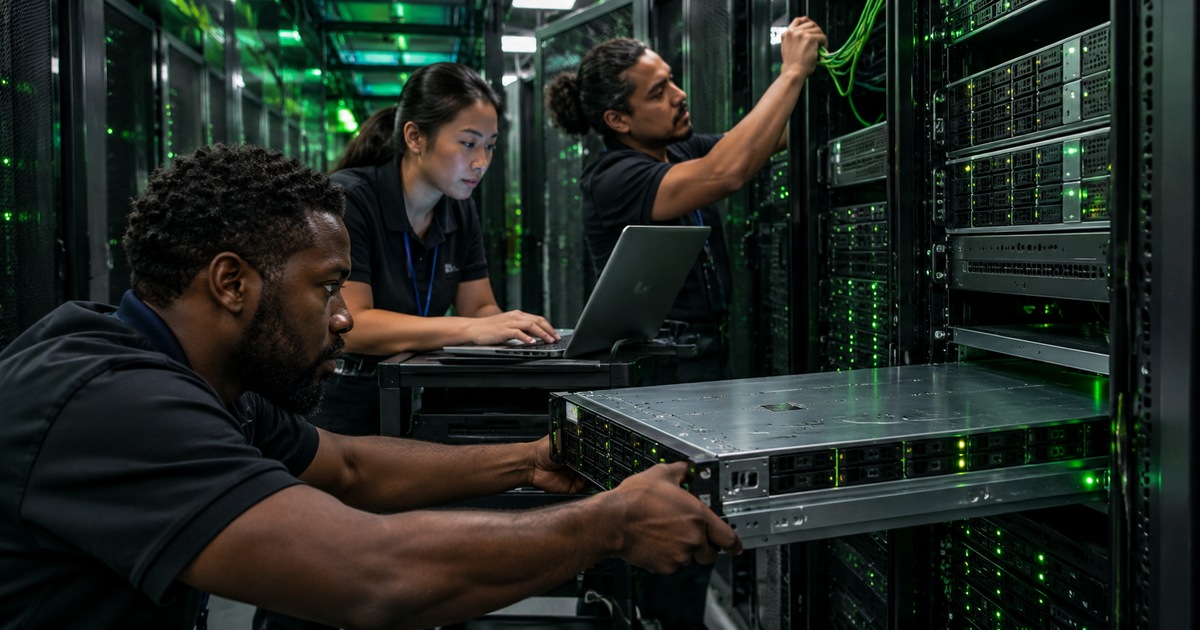
Before changing firmware or installing an operating system, confirm that the physical machine matches the work order. Verify the rack and U position, chassis service tag or serial number, asset number, hostname assignment, management address, and intended role. This prevents one of the most damaging deployment mistakes: configuring the correct procedure on the wrong server.
The identity check connects directly to rack-and-stack verification. A server should already have correct rails, airflow orientation, power connections, network cabling, and management connectivity before software provisioning begins.
Record The Baseline Before Changing Anything
Record the starting state: firmware versions, CPU and memory inventory, drive count, storage-controller state, NIC inventory, BMC address, current boot mode, Secure Boot state, hardware-health status, and any active faults. If a problem appears later, the baseline shows whether it existed before the provisioning work.
Use the BMC hardware inventory and lifecycle logs when available. If the server already reports failed DIMMs, degraded storage, a missing power supply, or thermal alarms, stop and resolve the hardware problem instead of installing software on top of an unhealthy platform. OSDCTC.005 covers that fault-isolation workflow.
Check BIOS Or UEFI Configuration
Modern servers normally use UEFI rather than legacy BIOS boot. Review the boot mode, boot order, Secure Boot policy, virtualization settings, CPU power profile, memory configuration, embedded NIC settings, and any facility-specific requirements before installing the operating system.
Do not change settings simply because an option exists. Provisioning should reproduce an approved standard. A large fleet is easier to troubleshoot when equivalent servers use the same firmware settings, storage layout, NIC configuration, and deployment method.
Storage Must Be Ready Before The OS Is Installed
The operating system needs a valid installation target. Depending on the server, that may be a single SSD, mirrored boot drives, a RAID virtual disk, NVMe devices, a SAN LUN, or another approved storage design. Confirm drive health and make sure the intended boot device is visible to firmware.
On systems using a RAID controller, create or verify the required virtual disk before deployment. Dell’s official Lifecycle Controller operating-system deployment documentation explicitly supports configuring RAID before OS installation and supports both manual and unattended installation. The exact RAID level and disk policy should come from the approved server build standard, not technician preference.
Choose The Deployment Method
Common deployment paths include local USB media, BMC virtual media, vendor lifecycle tools, a network installation system, or a fully automated provisioning platform. Small environments may install one machine manually. Large fleets usually favor repeatable automation because manual configuration becomes slow and inconsistent at scale.
PXE boot allows a server to start an installation workflow from the network. The UEFI specification describes network boot as using PXE-related mechanisms in which the booting platform interacts with network services such as DHCP and a system that provides a boot image. The UEFI Boot Manager specification explains this network-boot path.
PXE Depends On The Network Working Correctly
If a server will not network boot, treat the problem as a layered network fault instead of immediately blaming the installer. Verify physical link, switch port, VLAN, DHCP response, correct boot-interface selection, firmware boot mode, and reachability to the deployment infrastructure.
A production NIC and a BMC management port are different interfaces. Make sure the cable connected to the host NIC is on the network that actually provides PXE service. A perfectly reachable iDRAC or iLO session does not prove that the host NIC can reach the provisioning network.
Install The Operating System From An Approved Image
The installation image should be the exact approved version for the server role. Confirm the operating-system release, edition, architecture, image checksum when your process requires it, and any required unattended-installation configuration before starting. Avoid random installation media or an untracked technician USB drive.
During installation, confirm the intended boot disk before accepting destructive storage changes. For unattended builds, verify that the automation selected the expected hostname, disk layout, network configuration, package set, and security baseline.
Firmware And Drivers Must Match The Platform
After the operating system is installed, confirm required chipset, storage, network, accelerator, and management drivers. Also verify the approved firmware baseline for the BMC, system BIOS/UEFI, RAID controller, NICs, drives, and other field-upgradable devices.
Avoid updating every component during an unrelated deployment just because a newer version exists. Use the approved compatibility matrix or build standard. Firmware changes can alter boot behavior, device compatibility, power management, security controls, and hardware initialization, so treat them as controlled changes.
Validate Hardware Before Calling The Build Complete
Check CPU count, memory capacity, storage health, network-interface inventory, power-supply status, fans, temperatures, and event logs after installation. Compare the observed hardware against the work order or bill of materials. A server can boot successfully while still missing a DIMM, operating with a degraded RAID set, or using only one of two intended network paths.
Clear only the alarms that the procedure authorizes you to clear, and only after evidence has been captured. Reboot when required by the build, then confirm the system returns cleanly with no new POST, BMC, storage, or operating-system errors.
Validate The Network Path
Confirm link speed and duplex, expected VLAN membership, IP addressing, default gateway, DNS resolution, and reachability to required management or service endpoints. If the build uses redundant links or multiple NICs, verify the intended ports rather than assuming every connected cable is active.
For troubleshooting, work from the physical layer upward: cable and link light, switch port, VLAN, IP configuration, gateway, DNS, then application service. This method prevents technicians from changing operating-system settings when the actual problem is a patch cable, disabled switch port, wrong VLAN, or missing DHCP scope.
Monitoring Is Part Of Provisioning
A server that is not visible to monitoring is not fully operational. Confirm that the BMC, host operating system, or both report to the expected monitoring platform. Verify hardware alarms, uptime checks, telemetry, and any required SNMP or API integration.
Monitoring should be tested before handoff. Do not assume that enrollment succeeded merely because an agent package was installed. Verify that the monitoring system actually sees the new server and that test alarms or health data appear where operators expect them.
Burn-In And Functional Tests Catch Early Failures
Some environments perform burn-in or workload validation before production handoff. That can include memory tests, CPU stress, storage checks, network throughput checks, repeated reboots, temperature observation, and application-specific tests. The goal is to expose early component failures and configuration mistakes before users depend on the machine.
Testing should match the approved procedure. A technician should not invent an uncontrolled stress test on production equipment. Record the tool, duration, result, temperatures, hardware errors, and final health status when burn-in evidence is required.
Document The Build And Handoff
Update the asset system, ticket, CMDB, rack record, hostname record, serial number, management address, production addresses, firmware baseline, storage layout, operating-system version, monitoring state, and any exceptions. Good documentation turns a one-time deployment into a supportable system.
The handoff should answer a simple question: can the next technician understand what was built without guessing? If the answer is no, the provisioning task is not complete.
A Practical Provisioning Sequence
- Confirm work order, rack/U position, asset tag, serial number, and intended server role.
- Verify rails, airflow, A/B power, host networking, and BMC management connectivity.
- Record firmware, hardware inventory, boot mode, storage state, and active alarms.
- Resolve hardware faults before installing software.
- Apply the approved BIOS/UEFI and Secure Boot configuration.
- Configure or verify the intended boot storage and RAID layout.
- Select the approved deployment path: PXE, virtual media, local media, vendor lifecycle tool, or automation platform.
- Install the approved operating-system image.
- Install or verify required drivers and approved firmware.
- Validate CPU, memory, storage, NICs, temperatures, fans, PSUs, and logs.
- Validate network addressing, VLAN, DNS, gateway, and required service reachability.
- Confirm monitoring and management enrollment.
- Run required burn-in or functional tests.
- Reboot and verify a clean return to service.
- Update asset records, ticket evidence, configuration records, and handoff notes.
Common Technician Mistakes
- Provisioning the wrong chassis: verify physical and logical identity before changing anything.
- Installing on unhealthy hardware: resolve BMC, memory, storage, PSU, fan, or thermal faults first.
- Using an unapproved image: deployment media should be controlled and traceable.
- Installing to the wrong disk: confirm the intended boot device before destructive storage operations.
- Confusing BMC reachability with host-network reachability: they are separate paths.
- Skipping monitoring validation: an installed agent is not proof that operations can see the server.
- Changing extra firmware or settings during deployment: unnecessary variables make failures harder to isolate.
- Closing the ticket without evidence: record what was changed, tested, and verified.
Exercises
- Create a pre-provisioning checklist for a newly racked dual-PSU server.
- Explain why the technician should record the BMC hardware inventory before installing the operating system.
- A server reaches iDRAC but PXE fails. List the next six checks in order.
- Describe when RAID configuration must occur relative to OS installation.
- Explain the difference between a successful OS boot and a completed production handoff.
- Create a post-install validation list covering hardware, network, monitoring, and documentation.
Knowledge Check + Answers
- What is server provisioning? The controlled process of preparing physical server hardware, firmware, storage, networking, operating system, monitoring, validation, and records for service.
- Why verify identity first? To prevent configuring or wiping the wrong physical server.
- Why check hardware health before installing the OS? Software installation does not repair failed DIMMs, degraded storage, bad PSUs, thermal faults, or other hardware problems.
- What does PXE provide? A method for starting a server from network-provided boot resources so an operating system or deployment environment can be loaded remotely.
- Why is RAID often configured before the OS? The installer needs the correct logical boot target before writing the operating system.
- Why validate monitoring before handoff? Operations teams need confirmed visibility into the new server’s health and availability.
- What makes documentation part of provisioning? Accurate records make the server maintainable, auditable, and supportable after the installer leaves.
Prior Lessons
- OSDCTC.001 — Data Center Floor Fundamentals
- OSDCTC.002 — Rack Power Distribution
- OSDCTC.003 — Structured Cabling and Patch Panels
- OSDCTC.004 — Server Rack-and-Stack
- OSDCTC.005 — Server Hardware Troubleshooting
- OSDCTC.006 — BMC and Out-of-Band Server Management
Elementary Conclusion
Provisioning turns a newly installed server into a known, repeatable, supportable system. The technician verifies identity, records the baseline, checks firmware, prepares storage, deploys the operating system, verifies drivers and firmware, validates hardware and networking, confirms monitoring, tests the machine, and documents the final state. The most important habit is consistency: build from an approved standard, capture evidence, and verify each layer before handoff.
BitcoinVersus.Tech
Editor’s Note
Server firmware, RAID workflows, installation tools, Secure Boot policies, network-boot methods, and operating-system support vary by manufacturer and platform. Follow the exact OEM documentation and your facility’s approved build, safety, and change-control procedures.
BitcoinVersus.tech is not a financial advisor. Content is provided for informational purposes.


Leave a Reply