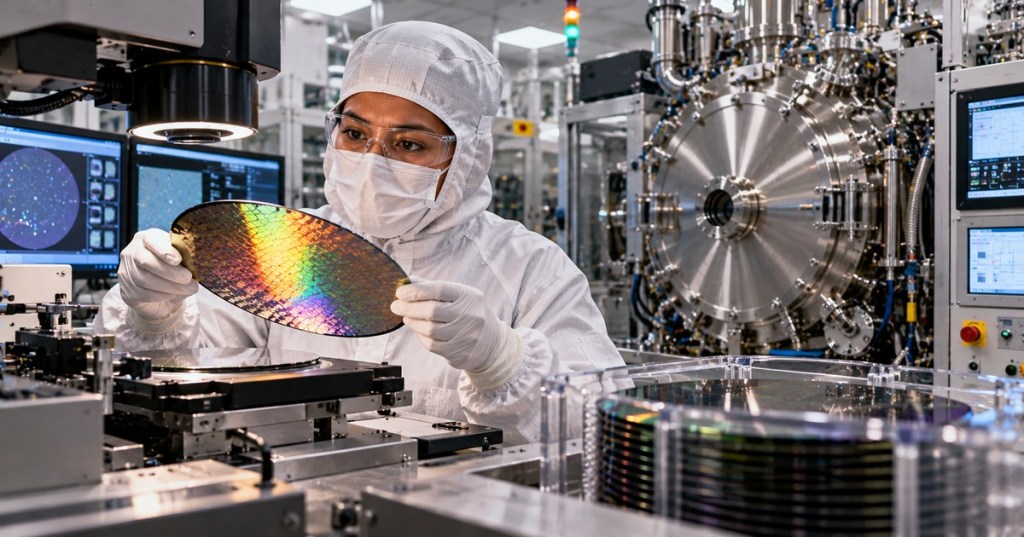
OSSTC.013 — Particle Contamination in Semiconductor Process Chambers. Even a small particle released from a process chamber wall, worn seal, handling component or cleaning step can create wafer defects. This lesson follows OSSTC.012 on ALD pulse and purge sequencing and explains how technicians recognize contamination clues, document evidence and escalate chamber-cleanliness concerns safely.
Learning objectives
- Identify typical particle sources in semiconductor processing equipment.
- Distinguish airborne cleanliness from particles deposited on chamber parts or wafers.
- Explain the purpose of approved inspection, monitoring and post-maintenance qualification procedures.
Where particles come from
Common candidates include mechanical wear, flaking films from chamber surfaces, contaminated consumables, damaged seals, transfer-system contact and maintenance debris. A rising defect count does not prove any single source. Technicians compare wafer maps, maintenance history, chamber events and qualified metrology results. SEMI explains why particles on critical chamber components matter to device yield.
Video 1 — Electrostatic contamination in cleanrooms
Electrostatic charge can attract or hold contamination on surfaces. The Institute of Environmental Sciences and Technology provides this training video on electrostatic contamination in cleanrooms.
IEST educational video. Watch directly on YouTube if your browser blocks embedded playback.
What to inspect and record
- Record the chamber identifier, affected lot or wafer, process step, time window and defect trend.
- Check authorized maintenance and chamber-condition logs for recent interventions or alarms.
- Use approved wafer-inspection results to determine whether the defect pattern is localized or distributed.
- Escalate possible particle generation or contamination before modifying a recipe or opening equipment.
Optical and laser-based wafer inspection can reveal particles and surface defects without contacting the wafer. Hamamatsu documents optical inspection techniques and Applied Materials describes defect review and classification.
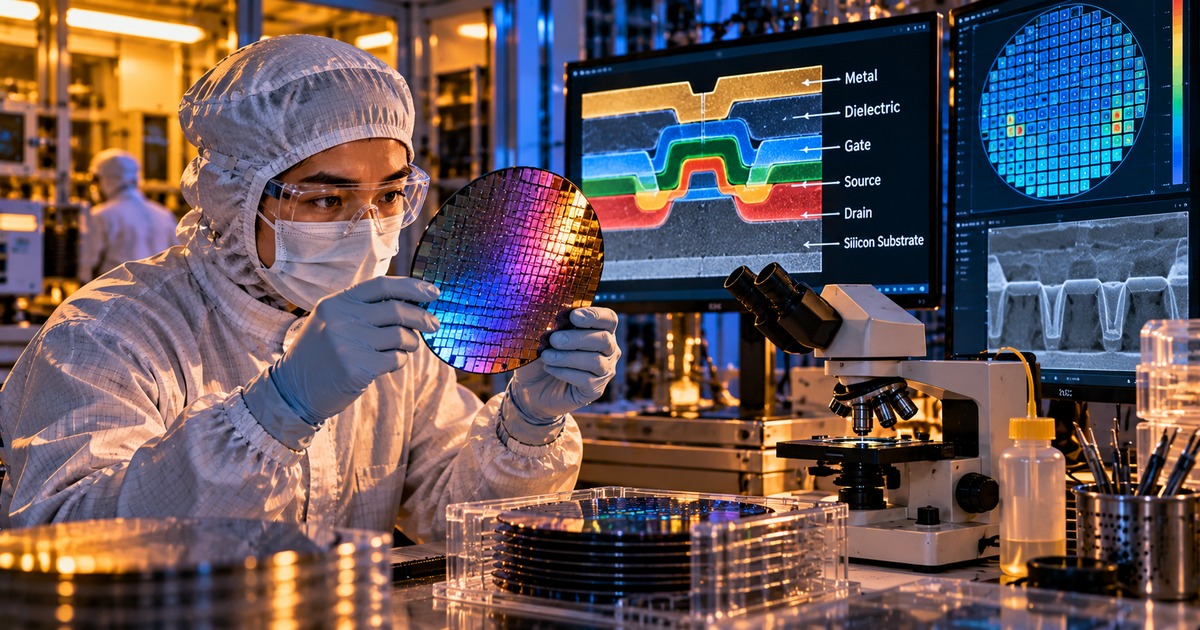
Illustrative cleanroom scene; not a photograph of an identified facility or a real wafer defect measurement.
Video 2 — Proper cleanroom wiping techniques
Cleaning can itself introduce particles when the wrong material or technique is used. IEST’s instructional video demonstrates cleanroom wiping principles. Always follow the specific fab’s approved procedure and materials list.
IEST instructional video. Watch directly on YouTube.
Technician scenario
After scheduled chamber maintenance, a process engineer notices more defects on the first qualified wafers. The technician records the maintenance completion time, chamber ID, relevant alarms and approved inspection results, then flags the correlation. The team checks whether the particle pattern and timeline support a component, handling or cleaning-related hypothesis. The correct response is evidence gathering and escalation—not opening a chamber or improvising cleaning steps.
Safety and standards
Semiconductor process equipment may contain hazardous chemicals, gases, stored energy, vacuum systems and high-voltage sources. Only trained and authorized staff should perform maintenance under established isolation, gas-purge, exposure-control and return-to-service procedures. OSHA’s semiconductor fabrication guidance explains the hazards of fabrication and cleaning. SEMI’s component-cleanliness standards update discusses standardized assessment methods. Related foundations are in OSSTC.001 and OSSTC.008.
Knowledge check
- Name two possible particle sources in a process chamber.
- Why does an increase in wafer defects not identify the root cause by itself?
- What should a technician do before any chamber intervention?
Answers: Mechanical wear and flaking films are examples; multiple causes can produce similar defect trends; follow authorized procedures and escalate to the responsible team.
BitcoinVersus.Tech Editor’s Note: Help support independent, accessible technology education with a donation of 5,000 sats using the QR code below.

Open this page on a larger screen and scan the QR with your mobile Bitcoin wallet.


Leave a Reply