
A graph can reveal a pattern that several paragraphs of figures cannot. But the format matters: a line chart can show the rise of industrial robot installations; a scatter plot can compare the efficiency of different machines; and a Sankey diagram can trace electricity from generation to useful computing load. Choosing the wrong chart can hide the very relationship a story is trying to explain.
This visual guide introduces 40 chart types, grouped by the question each one answers. Every entry has an original chart illustration, a plain-language definition, a suggested BitcoinVersus.Tech reporting application, and a common pitfall. The underlying examples are illustrative only, not measurements or forecasts. For verified numerical reporting, data sources, units and methods must always accompany the finished chart.
Readers and editors can browse the full interactive BitcoinVersus.Tech Chart Atlas on GitHub or download its standalone HTML file. The gallery runs locally in a browser and includes searchable categories and expanded descriptions. Its source and the 40 individual illustrations are available in the same public repository.
The Royal Society — Five Graphs That Changed the World, narrated in English by Adam Rutherford. Released under CC BY 3.0; source: Wikimedia Commons.
The Datawrapper guide to choosing chart types and the Financial Times Visual Vocabulary offer a similar starting principle: decide what relationship readers need to see first, then select the graphic. The categories below organize the BitcoinVersus.Tech atlas around trends, comparisons, distributions, relationships, composition, flows, operations and geography.
Trends
These charts explain how something changes with time or another meaningful sequence. They are especially useful for technology adoption, price histories, hardware efficiency and rankings.
Line chart
A line chart connects values in chronological or otherwise ordered sequence. It is particularly effective for showing the direction, speed, and interruptions of a trend. The horizontal axis usually records dates, while the vertical axis shows a measured quantity such as electrical demand or energy efficiency. Closely spaced observations reveal short-term variation; longer time spans make structural changes easier to recognize. Several lines can compare technologies, provided each is measured in compatible units and colors remain distinguishable. Missing observations should appear as gaps rather than invented intermediate measurements. A line should imply continuity only when the underlying measure genuinely changes along that axis.
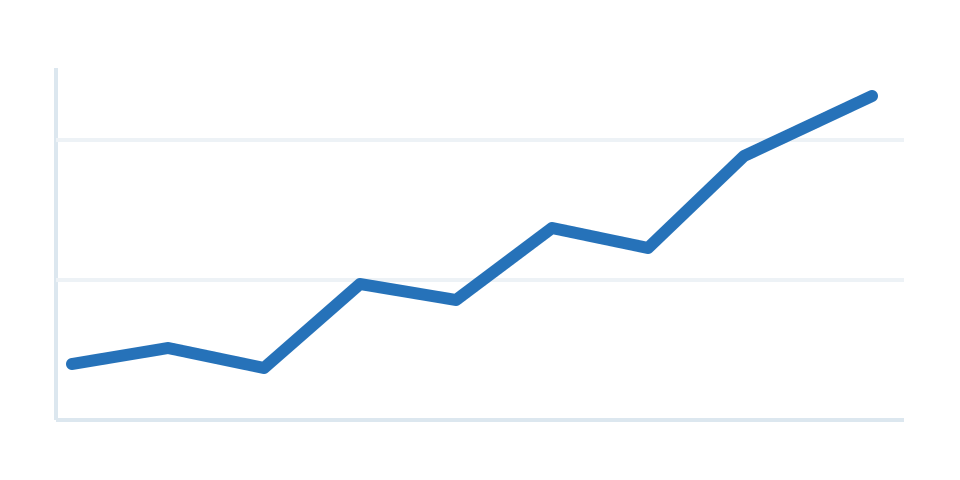
Where to use it: ASIC efficiency (J/TH), 2000–2026. Watch for: Use real observation dates; label missing periods.
Video: Creating a line chart, by Datawrapper. This example demonstrates the line chart format; software shown is an illustrative tool, not the source of BitcoinVersus.Tech data.
Area chart
An area chart fills the space between a line and a baseline, emphasizing the total volume represented by a time series. It works best for one series or a small set of clearly separated areas. Filling the area beneath a trend gives its magnitude more visual weight than an ordinary line, making accumulation or sustained growth easy to perceive. The baseline is therefore important: moving it can dramatically change the impression of volume. Readers should not interpret the filled shape as a cumulative total unless the figures actually represent accumulated quantities. When individual values and small changes are central to a story, a straightforward line chart may remain the clearer choice.
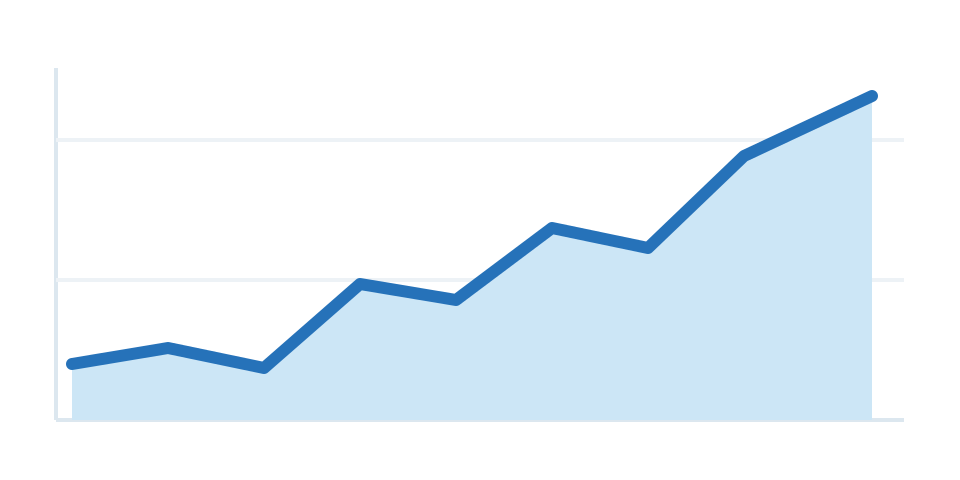
Where to use it: Total installed industrial robot capacity. Watch for: Avoid if overlapping series obscure each other.
Video: Creating an area chart, by Analytics Advisors. This example demonstrates the area chart format; software shown is an illustrative tool, not the source of BitcoinVersus.Tech data.
Stacked area
A stacked area chart shows several components accumulating into an overall total across time. The top boundary displays the aggregate; the layers reveal how each contributor changes. Each colored band represents one part of the measured total, and the combined top edge follows the aggregate value across the timeline. This format can explain how electricity from several sources contributes to an evolving generation mix or how different product lines make up overall revenue. Because every layer above the bottom one moves with the layers beneath it, comparing two middle bands can be difficult. Use direct labels and a restrained number of components, and consider separate lines for precise component comparisons.
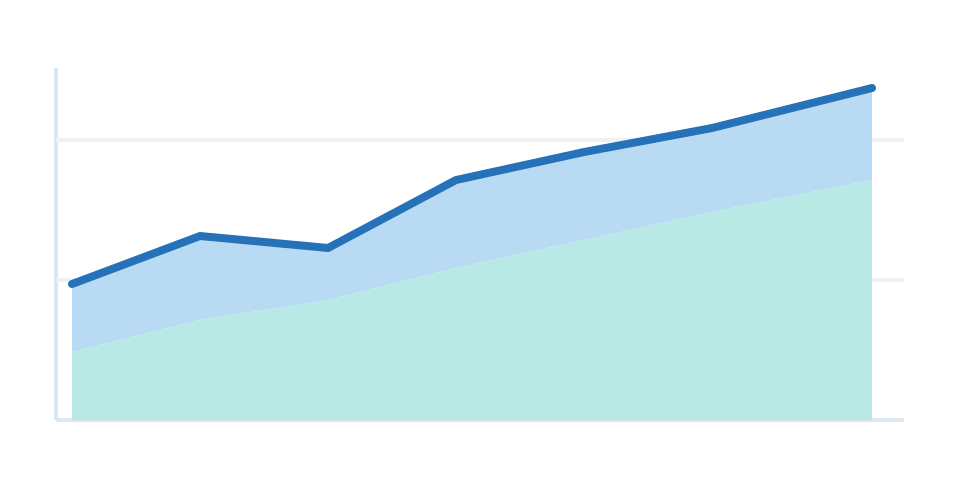
Where to use it: Global electricity generation by source. Watch for: Absolute amounts and shares answer different questions.
Video: Stacked area charts in Power BI, by Data_to_Intelligence. This example demonstrates the stacked area format; software shown is an illustrative tool, not the source of BitcoinVersus.Tech data.
Step chart
A step chart holds a value flat until a discrete event causes it to jump to another level. It should be used when changes happen at specific moments rather than continuously. Unlike a conventional line, the path advances horizontally at a fixed level and then jumps when an event changes the state. That makes it appropriate for policy rates, tariff changes, machine-capacity tiers, and pricing schedules that take effect on known dates. The position of each jump needs to correspond to the actual effective date, not the announcement date unless they are the same. Connecting the levels diagonally would falsely suggest a smooth transition between two discrete settings.
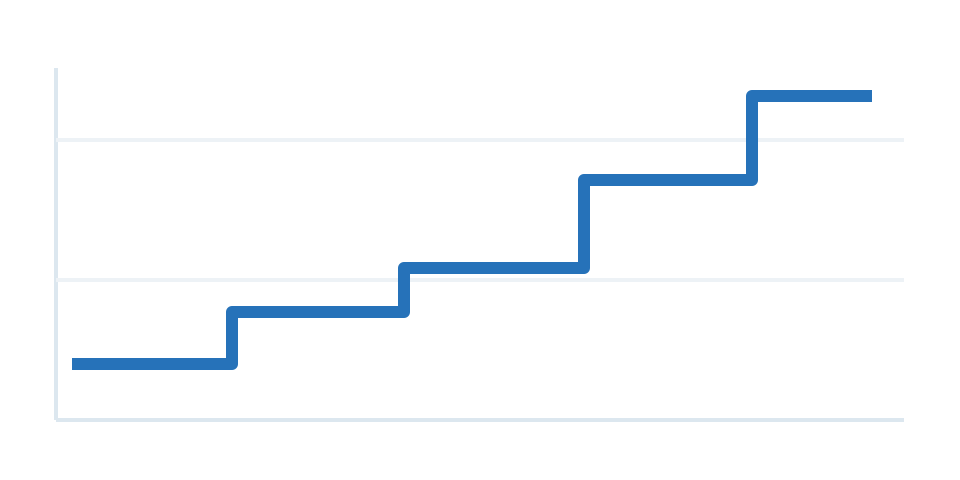
Where to use it: Bitcoin block subsidies after halvings. Watch for: Do not interpolate gradual change between steps.
Video: Building a step chart, by Leila Gharani. This example demonstrates the step chart format; software shown is an illustrative tool, not the source of BitcoinVersus.Tech data.
Candlestick
A candlestick chart encodes four measurements for each trading interval: opening, highest, lowest, and closing prices. Its body shows the distance between opening and closing, while the wick covers the extremes. The rectangle between the opening and closing prices is called the body, and lines extending above and below indicate the high and low. Financial reports often use contrasting colors to distinguish an interval that closed above its open from one that closed below. An analyst can assess volatility and price ranges without reducing the period to a single closing number. Candlesticks do not, by themselves, predict the next movement or establish the cause of a price change.
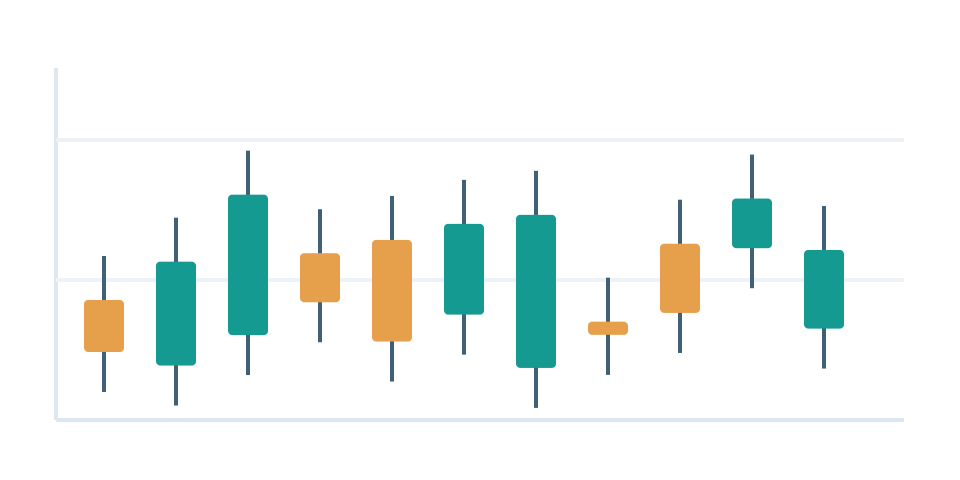
Where to use it: Bitcoin daily OHLC trading ranges. Watch for: Price candles do not show transaction volume.
Video: Candlestick charts visually explained, by DeKay. This example demonstrates the candlestick format; software shown is an illustrative tool, not the source of BitcoinVersus.Tech data.
Sparkline
A sparkline is a compact trend graphic designed to sit alongside a number in a table, report, or dashboard. It reveals the recent shape of a metric without needing a full-sized chart. A sparkline is deliberately smaller than a traditional chart and generally omits detailed axes to make room for the shape of a trend. It works best in a table or dashboard where a numerical value and its history appear together. The same timeline and comparable scales should be used when multiple sparklines sit beside one another. Without that consistency, two tiny charts may look equally volatile even when their underlying numerical ranges differ greatly.
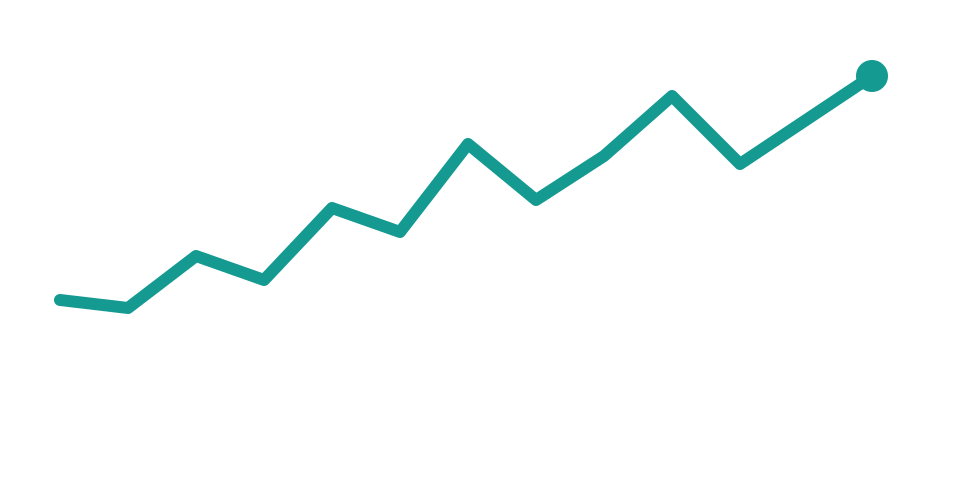
Where to use it: 30-day miner uptime in equipment tables. Watch for: Pair with a clear metric, unit, and time window.
Video: Sparklines in Excel, by Excel Up North. This example demonstrates the sparkline format; software shown is an illustrative tool, not the source of BitcoinVersus.Tech data.
Slopegraph
A slopegraph compares the same categories at two points in time using connecting lines. The slope makes the magnitude and direction of each category’s change immediately visible. Every connecting segment begins at a category’s earlier measurement and ends at its later one. The resulting angle quickly shows which measurements rose, fell, or stayed nearly constant, making the format useful for before-and-after energy costs or changes in market share. It is less suitable when readers need intermediate years or exact irregular trajectories. If many lines cross, a sorted bar comparison or a table may communicate the result more cleanly.
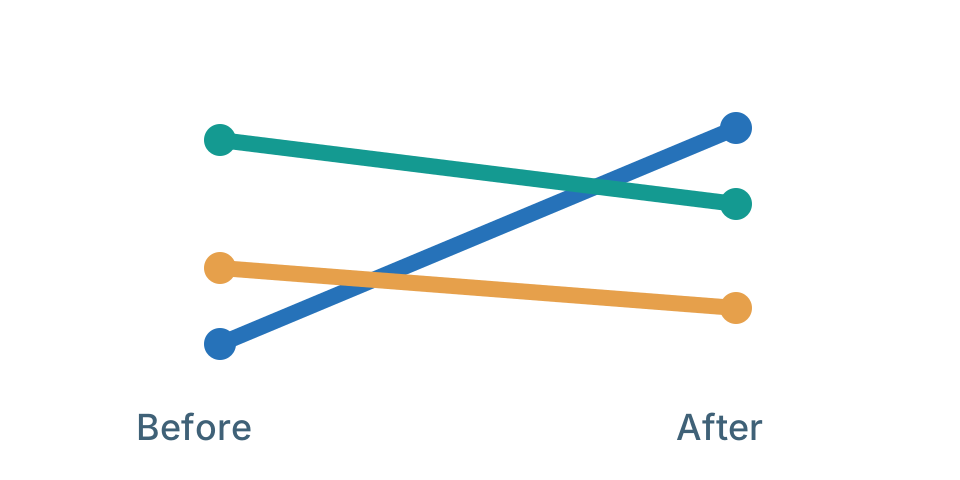
Where to use it: Site power draw before and after upgrades. Watch for: Two endpoints cannot prove what happened between.
Video: Slopegraphs with Charticulator, by Charticulator demonstration. This example demonstrates the slopegraph format; software shown is an illustrative tool, not the source of BitcoinVersus.Tech data.
Bump chart
A bump chart tracks how competitors change rank across time. Unlike a conventional line chart, its vertical positions indicate rank order, not numerical size. In a bump chart, a position of first means the highest rank, not the highest numerical value printed on an ordinary scale. Lines show which companies, products, or regions move ahead of others through successive periods. It is especially useful for changing market-share leaders or yearly rankings. The chart hides the size of the gaps between competitors, so rankings that are nearly tied can appear as meaningful as rankings separated by large differences. Supplement ranks with values where that context matters.
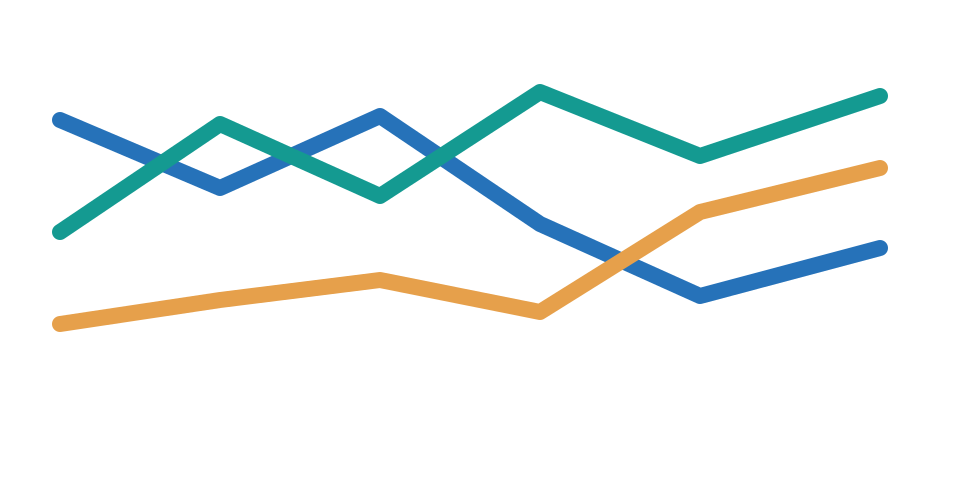
Where to use it: Top GPU vendors by yearly shipment rank. Watch for: Show rank, not absolute share, on the vertical axis.
Video: Creating a bump chart, by Jellyman Education. This example demonstrates the bump chart format; software shown is an illustrative tool, not the source of BitcoinVersus.Tech data.
Comparisons
Comparison charts put different categories or scenarios on a shared scale. The central choice is whether the reader needs absolute totals, percentages, ranked order or before-and-after differences.
Horizontal / vertical bar
A bar chart represents each category with a rectangle whose length or height is proportional to its value. Horizontal bars are often preferable when category names are long. The length of each bar is measured from a shared origin, allowing readers to compare categories without mentally decoding color areas or angles. Bars are useful for manufacturing output, product prices, data center megawatts, or the number of operating sites. Starting the quantitative axis at zero keeps the displayed lengths proportional to the underlying values. Sorting categories usually improves a ranking, while consistent color and clear labels preserve context. Avoid using a bar chart as if it shows continuous time when a line would better reveal the trend.
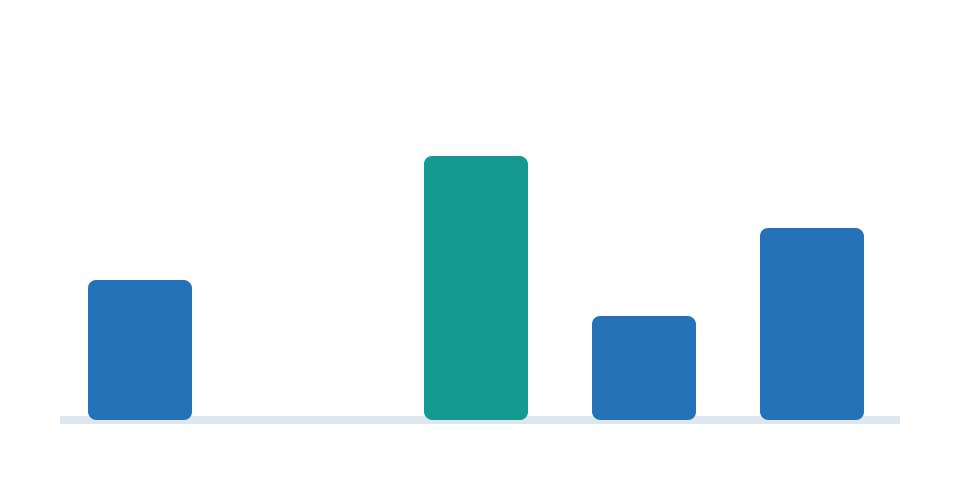
Where to use it: Largest data center projects by MW. Watch for: Start the value axis at zero for ordinary bars.
Video: Bar charts in Python, by sentdex. This example demonstrates the horizontal / vertical bar format; software shown is an illustrative tool, not the source of BitcoinVersus.Tech data.
Grouped bars
A grouped bar chart places bars for different series beside one another within each category. This makes direct comparisons easy but becomes crowded when too many series are included. Each cluster represents one category and contains separate bars for the same measured quantity across several series, such as energy demand for multiple device generations. Readers can compare within a cluster or move across matching colors to inspect differences among categories. Grouped bars require consistent units and enough space that the bars remain readable on a phone. Three or four series are often easier to interpret than a crowded group with many colors. If composition matters more than side-by-side size, a stacked design may be more appropriate.
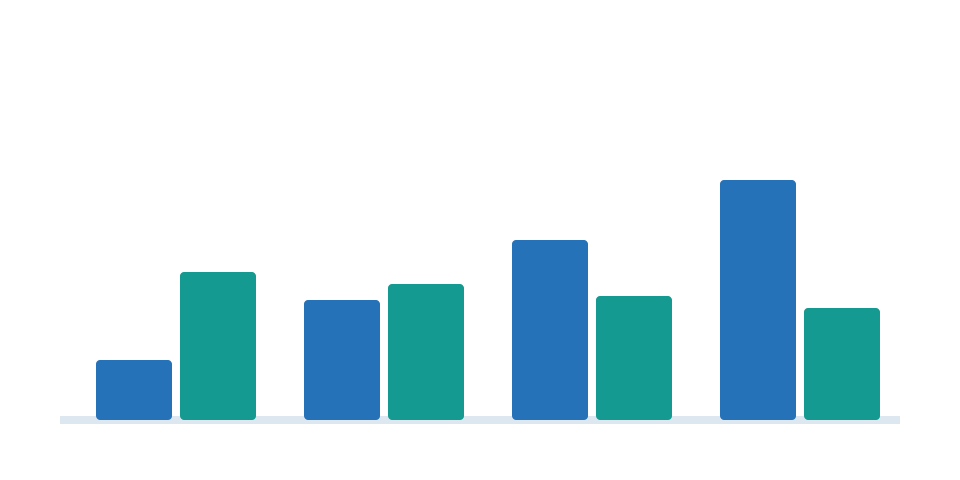
Where to use it: Proposed versus operating MW by state. Watch for: Too many group members become unreadable.
Video: Creating grouped bar charts, by Tutorials With Trevor. This example demonstrates the grouped bars format; software shown is an illustrative tool, not the source of BitcoinVersus.Tech data.
Stacked bars
A stacked bar chart subdivides each bar into labeled components. It can show overall size and composition together, although comparing middle segments across categories is difficult. A complete bar represents the total for one group, and the sections reveal the amounts contributed by its parts. This is useful for comparing a company’s energy budget across facilities or a region’s generation mix in absolute megawatt-hours. Segment order should remain consistent from bar to bar. Only sections attached to the shared baseline are easy to compare precisely; middle sections can be visually deceptive. Provide total labels and consider separate charts if the chief question is how one component changes.
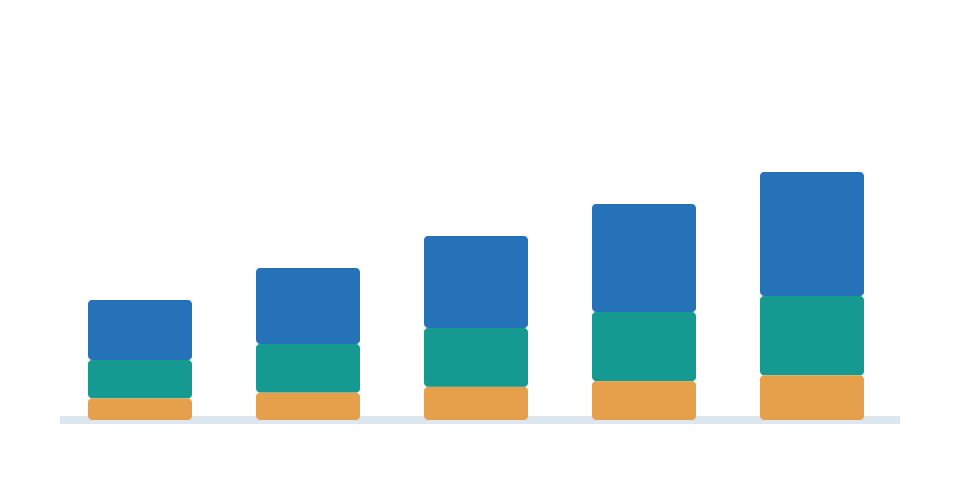
Where to use it: AI server bill of materials by supplier. Watch for: Internal components are hard to compare across bars.
Video: Stacked column charts, by ExcelDemy. This example demonstrates the stacked bars format; software shown is an illustrative tool, not the source of BitcoinVersus.Tech data.
100% stacked bars
A 100% stacked bar chart normalizes every category to the same total width or height. This emphasizes relative percentages rather than absolute volume. Because each bar is normalized to 100 percent, the figure emphasizes proportions instead of overall size. It is useful when comparing the mix of solar, natural gas, hydroelectric, and other energy sources across states with different generation totals. Each percentage must use a clearly defined denominator, and all sections within a bar should add to the whole. A small state and a large state may look identical even if their absolute generation differs dramatically. Pair the percentages with total values when that difference is important.
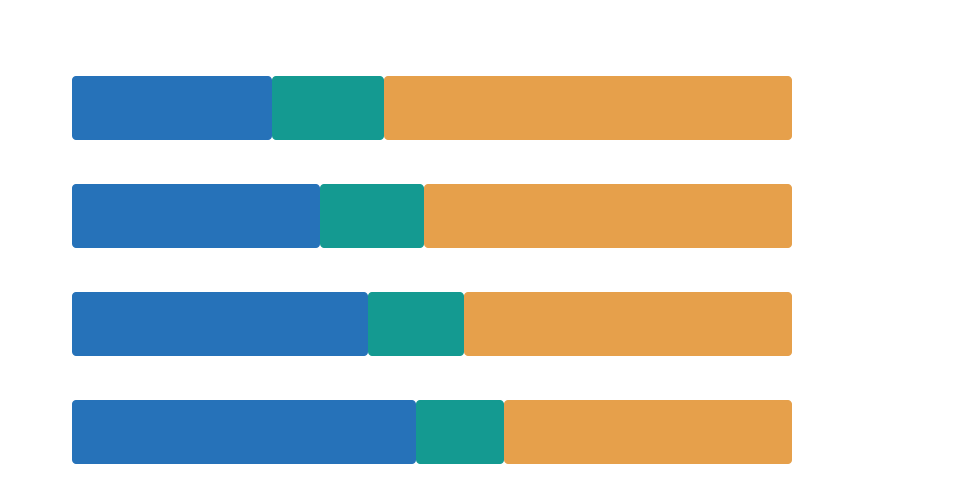
Where to use it: Energy-source shares by country. Watch for: Does not reveal total underlying market size.
Video: 100% stacked bar charts, by Analytics Advisors. This example demonstrates the 100% stacked bars format; software shown is an illustrative tool, not the source of BitcoinVersus.Tech data.
Lollipop
A lollipop chart replaces a solid bar with a thin stem and a dot at the measured value. It provides a lighter-looking way to compare ranked numeric categories. Each category has a thin line from a baseline to a dot marking its value. This spare design places emphasis on the endpoint while using less heavy visual ink than traditional bars. It can be effective for comparing dozens of miner efficiency ratings or technical benchmarks when the labels are long. Dots must still use a consistent scale, and the stem should not suggest a value below zero when negatives are impossible. When one exact comparison matters most, direct numerical labels help readers interpret close dots.
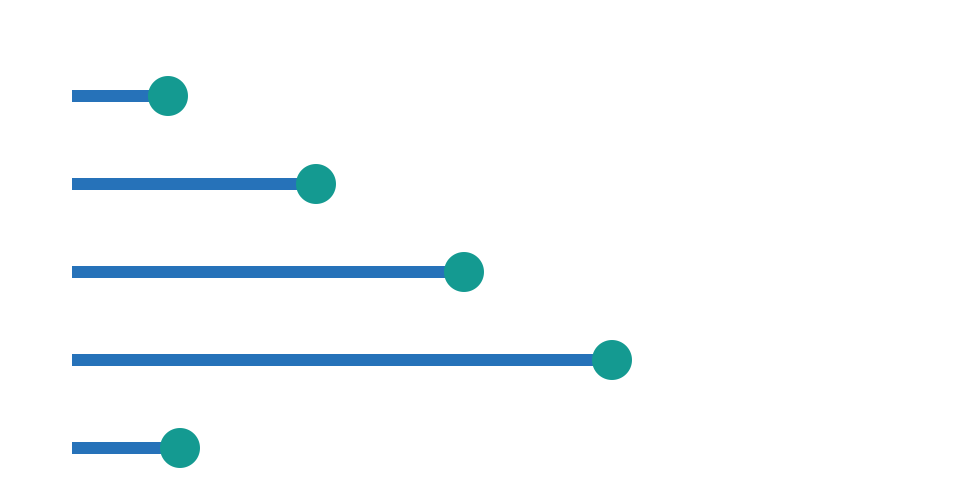
Where to use it: Robotic installations by industry. Watch for: Keep baseline and sorting consistent.
Video: Lollipop charts, by Indzara. This example demonstrates the lollipop format; software shown is an illustrative tool, not the source of BitcoinVersus.Tech data.
Dumbbell
A dumbbell chart places two dots on a shared numerical scale and joins them with a line. The visible gap expresses the difference between before and after, or between two estimates. Two dots connected by a segment represent the same category measured at two times or under two scenarios. A dumbbell can compare a robot’s advertised battery endurance with tested runtime, or a data center’s electrical demand before and after an upgrade. The common axis makes both values and the gap between them visible. Clearly identify which endpoint corresponds to each condition. If the endpoints are derived from different methodologies, note that difference rather than implying they are directly comparable.
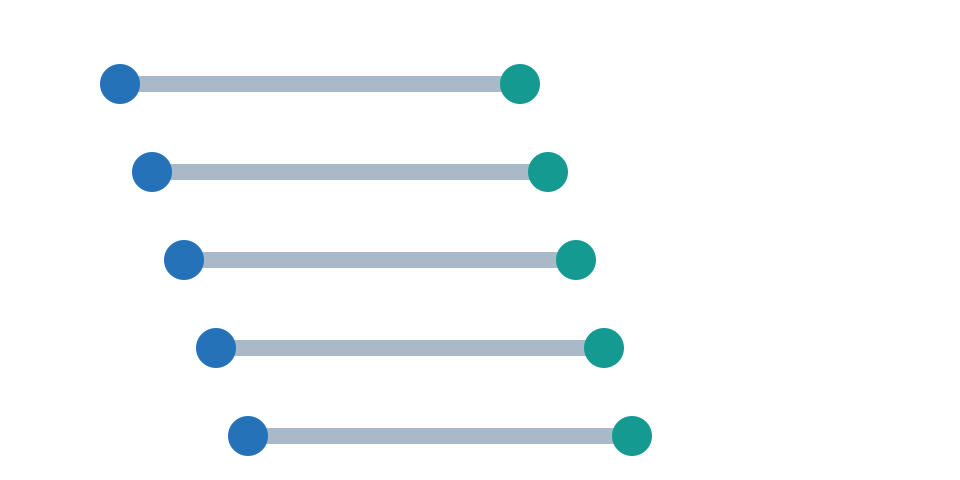
Where to use it: Advertised versus measured robot runtime. Watch for: Clearly identify what each endpoint represents.
Video: Creating a dumbbell chart, by Indzara. This example demonstrates the dumbbell format; software shown is an illustrative tool, not the source of BitcoinVersus.Tech data.
Bullet
A bullet chart combines an actual value, a reference target, and sometimes performance bands on one compact axis. It is useful for scorecards and operational thresholds. A bullet chart condenses three useful elements into a small space: the actual value, a target marker, and an optional shaded range indicating acceptable performance. A capacity-planning report might compare measured utilization against a safety threshold or an equipment team’s uptime against its service objective. The direction of better performance must be clear, especially when lower values mean better efficiency. Bands should correspond to defined standards, not arbitrary colors chosen to make a result appear healthy.
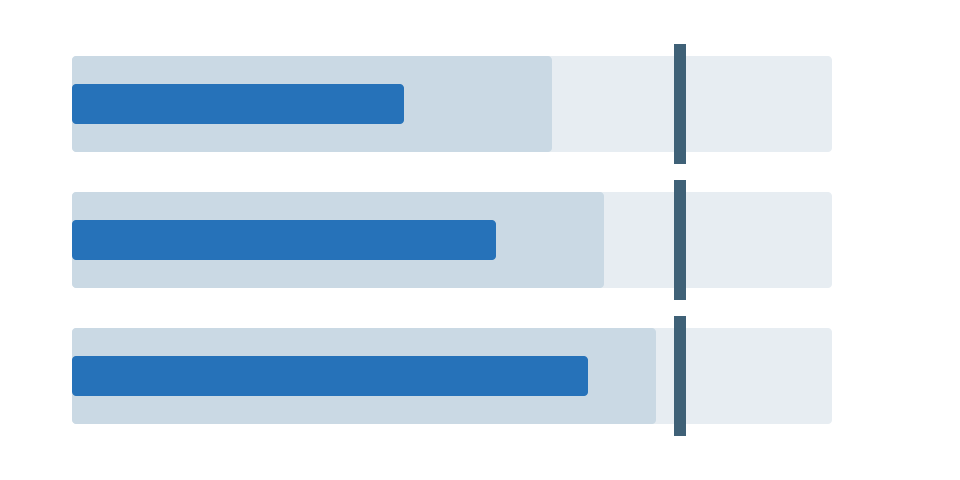
Where to use it: Data center utilization versus safe limit. Watch for: Do not bury the target benchmark.
Video: How bullet charts work, by Storytelling with Data. This example demonstrates the bullet format; software shown is an illustrative tool, not the source of BitcoinVersus.Tech data.
Waterfall
A waterfall chart explains how a starting total is changed by a sequence of positive and negative contributions. Its floating bars reveal the bridge from an opening amount to the final result. The first and last columns usually show starting and ending totals, while the floating columns between them explain each increment or reduction. A data center budget could start with available power and then deduct cooling loads, redundancy reserves, and committed capacity to derive remaining headroom. The arithmetic across the bridge must reconcile exactly with the final amount. Different colors should indicate positive and negative changes, not subjective editorial judgments. A waterfall is not appropriate for unrelated categories that do not mathematically build a total.
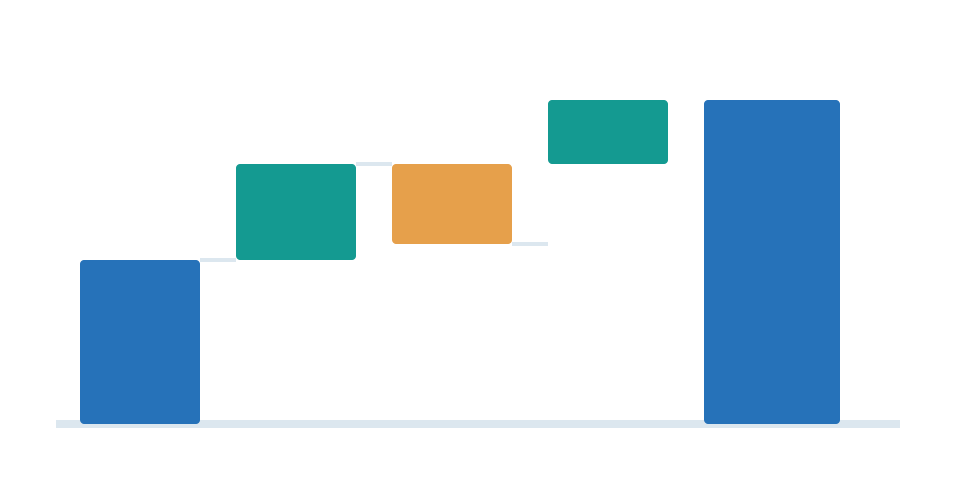
Where to use it: MW added or lost from facility capacity. Watch for: Make start, contributions, and end reconcile.
Video: Making waterfall charts, by Storytelling with Data. This example demonstrates the waterfall format; software shown is an illustrative tool, not the source of BitcoinVersus.Tech data.
Pareto
A Pareto chart sorts categories from largest to smallest and adds a cumulative-percentage curve. It helps identify which few causes account for most of an observed total. A Pareto chart orders contributors from largest to smallest and traces the cumulative share as more categories are counted. In operational reporting, it can reveal which failure modes cause most downtime or which handful of components account for a maintenance budget. The percentage line depends on the total of the selected categories, so omitted or regrouped causes can change the conclusion. It illustrates concentration but does not guarantee that fixing the largest category is inexpensive or technically possible.
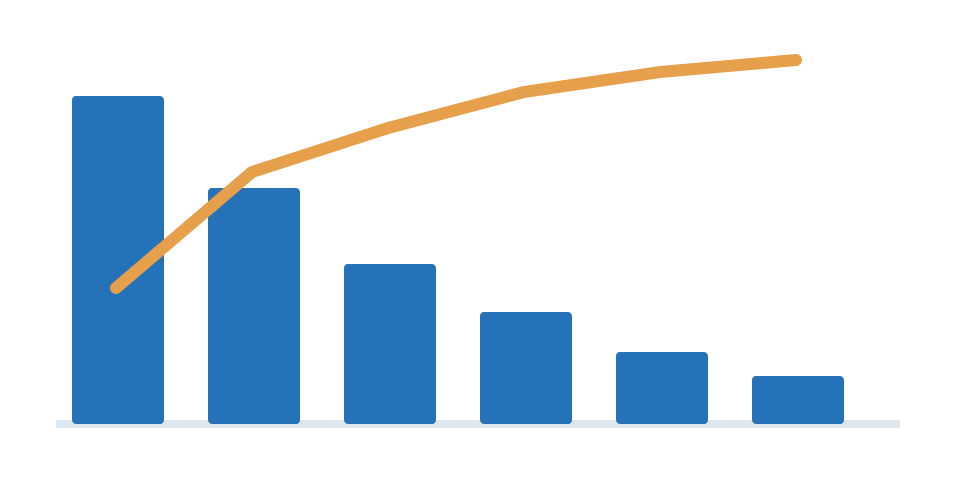
Where to use it: Primary causes of ASIC downtime. Watch for: Measure causes by the same denominator.
Video: Pareto charts and quality tools, by CQE Academy. This example demonstrates the pareto format; software shown is an illustrative tool, not the source of BitcoinVersus.Tech data.
Tornado
A tornado chart displays how changing one assumption at a time moves an outcome above or below its baseline. Its mirrored bars are widely used to explain model sensitivity. Each mirrored horizontal bar shows how far a chosen outcome moves when one input is changed across a specified range. It is commonly used for sensitivity analysis: electricity price, equipment efficiency, labor costs, and network difficulty might each affect a mining profitability estimate. The tested assumptions must be disclosed, and different input ranges should not be presented as equally likely events. Tornado diagrams typically vary one input at a time and therefore do not capture every interaction between variables.
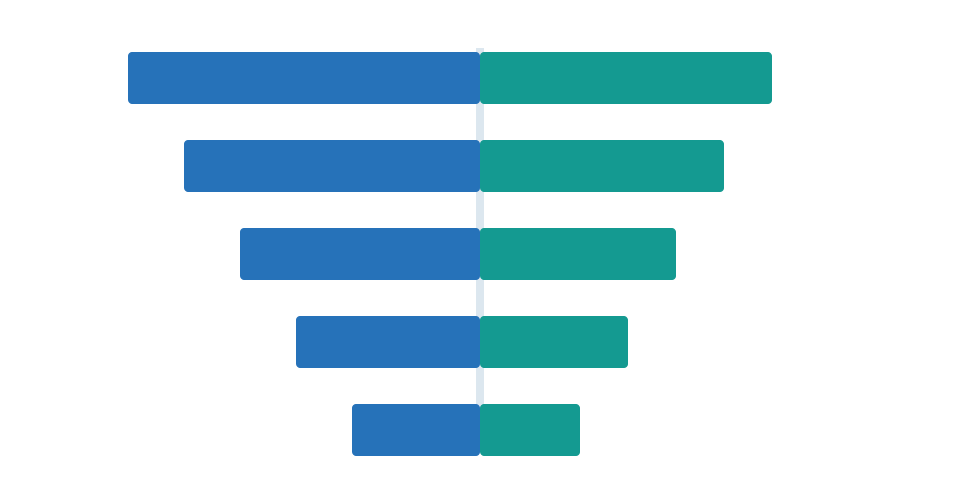
Where to use it: Robot ROI sensitivity to labor and energy costs. Watch for: State baseline and scenario assumptions.
Video: Building tornado charts, by Nikolay Pavlov. This example demonstrates the tornado format; software shown is an illustrative tool, not the source of BitcoinVersus.Tech data.
Chart choice also affects honesty. A familiar graphic can become misleading when axes are cropped or categories lack a consistent denominator. Different baselines can be appropriate for different visual forms, but readers should never have to guess what changed.
DistroTube — Creating Charts Is Simple With LibreOffice, an English-language demonstration using open-source office software. CC BY 3.0; source: Wikimedia Commons.
Distributions
Distribution charts show how observations are spread across values. They can expose extreme cases, clusters and variability that disappear inside a simple average.
Histogram
A histogram groups continuous numerical observations into adjacent intervals called bins. The height of each column represents the number or frequency of observations in that range. A histogram groups numerical observations into adjacent bins and counts how many fall into each interval. It can describe the distribution of battery runtimes, repair durations, network latencies, or power draws across machines. The width of the bins materially affects the apparent pattern: broad intervals conceal detail, while extremely narrow intervals exaggerate noise. Use continuous numerical ranges in meaningful units. The bins are not independent named categories in the way a conventional bar chart’s labels are.
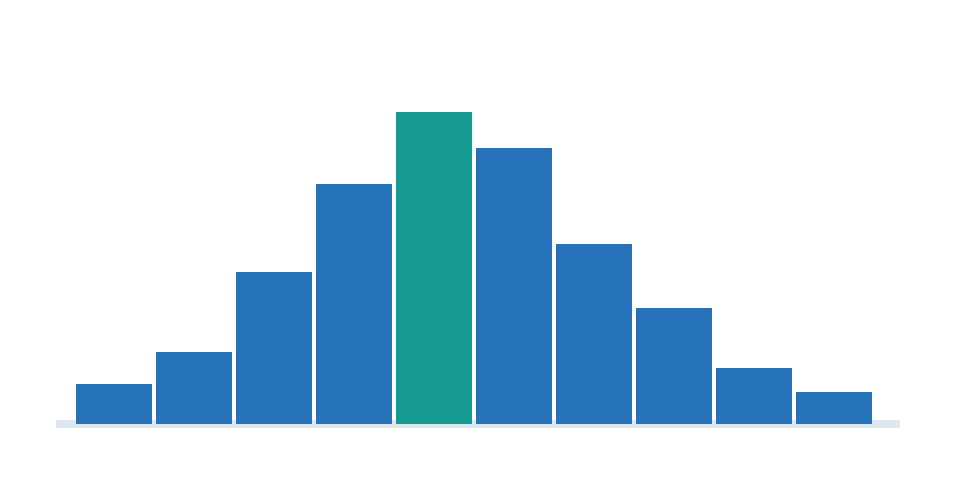
Where to use it: Hashboard temperature distributions. Watch for: Bin widths can change the perceived shape.
Video: What a histogram represents, by Digital E-Learning. This example demonstrates the histogram format; software shown is an illustrative tool, not the source of BitcoinVersus.Tech data.
Box-and-whisker
A box-and-whisker plot summarizes a distribution using its median, quartiles, spread, and sometimes outliers. It is especially useful for comparing variability between groups. The central line inside a box normally marks the median, while its edges show the first and third quartiles. Whiskers describe a broader range according to a stated convention, and separate points may identify observations outside that range. This format can compare uptime, temperature fluctuations, or repair times across equipment models without relying on averages. A compact box may hide a multimodal distribution, so pair it with a dot plot or violin plot if the underlying shape matters. Always disclose how the whiskers and outliers were defined.
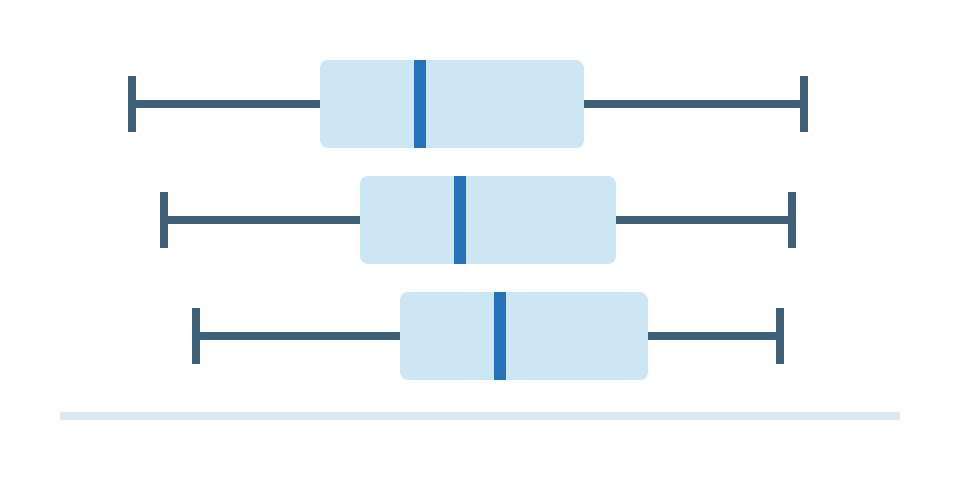
Where to use it: Technician salaries by experience group. Watch for: State quartile and whisker definitions.
Video: Reading box-and-whisker plots, by Math with Mr. J. This example demonstrates the box-and-whisker format; software shown is an illustrative tool, not the source of BitcoinVersus.Tech data.
Violin
A violin plot uses a smoothed density shape around a central axis to show where observations concentrate. It can reveal multiple clusters that a simple average or box plot would hide. The wider parts of a violin indicate where observations are concentrated, while narrow sections suggest fewer observations. It can compare how long different robot fleets run between interventions or the spread of chip temperatures in several facilities. Because the shape is smoothed from actual samples, the violin can imply more precision than the evidence supports when sample sizes are small. Show medians, sample sizes, or underlying points when possible. Multiple peaks are especially informative, suggesting distinct groups or operating conditions.
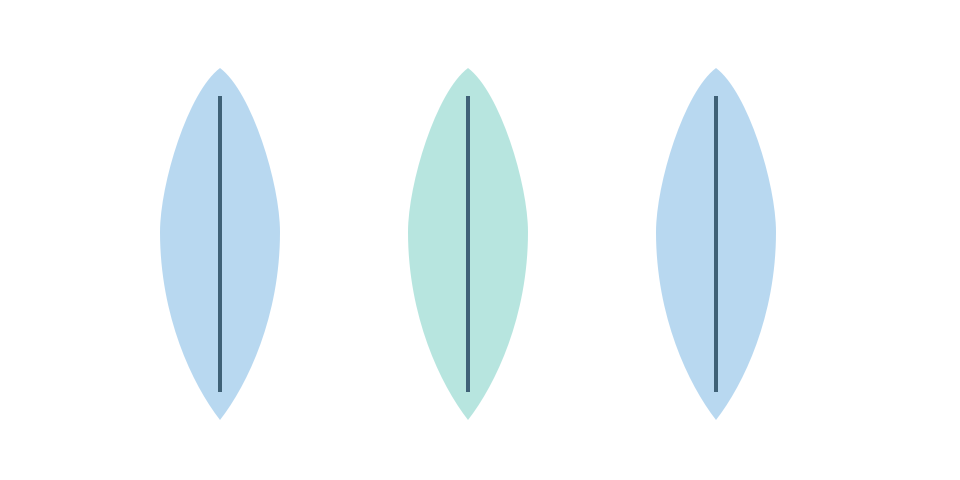
Where to use it: Distribution of shift-length robot runtimes. Watch for: Needs sufficient observations and a defined scale.
Video: Violin plots simply explained, by numiqo. This example demonstrates the violin format; software shown is an illustrative tool, not the source of BitcoinVersus.Tech data.
Dot / beeswarm
A dot plot or beeswarm displays individual observations, often separating overlapping points with gentle offsets. Readers can inspect clusters, gaps, and outliers rather than relying only on summary statistics. Each point represents a measurement, with slight sideways movement used to prevent points at similar values from covering one another. A beeswarm can reveal that most repair jobs finish quickly while a few consume many hours, even when the average appears moderate. This format preserves individual records better than a histogram, making sample size easier to grasp. The sideways position is often purely decorative and should not be interpreted as another quantitative dimension. Dense datasets may need transparency or sampling.
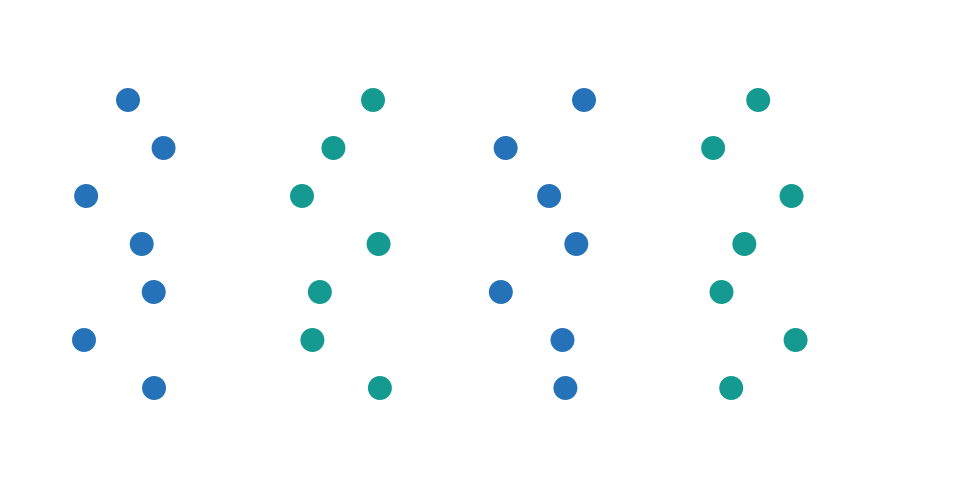
Where to use it: Individual miner failures across facilities. Watch for: Avoid jitter that disguises the actual values.
Video: Creating a dot plot, by Excel University. This example demonstrates the dot / beeswarm format; software shown is an illustrative tool, not the source of BitcoinVersus.Tech data.
Density curve
A density curve estimates the underlying distribution of a numerical variable using a smoothed line. Unlike a histogram, it is an estimate and should not be mistaken for the individual observations. A density curve estimates how observations are distributed along a continuous numerical axis. Its peaks represent concentrations of values, making the format useful for examining operating temperatures or error rates across systems. The total area under a properly normalized density curve equals one, so its vertical scale is density rather than raw count. Smoothing choices can hide isolated observations or introduce apparent peaks that are not stable. Compare curves only when the data definitions and smoothing methods are sufficiently consistent.
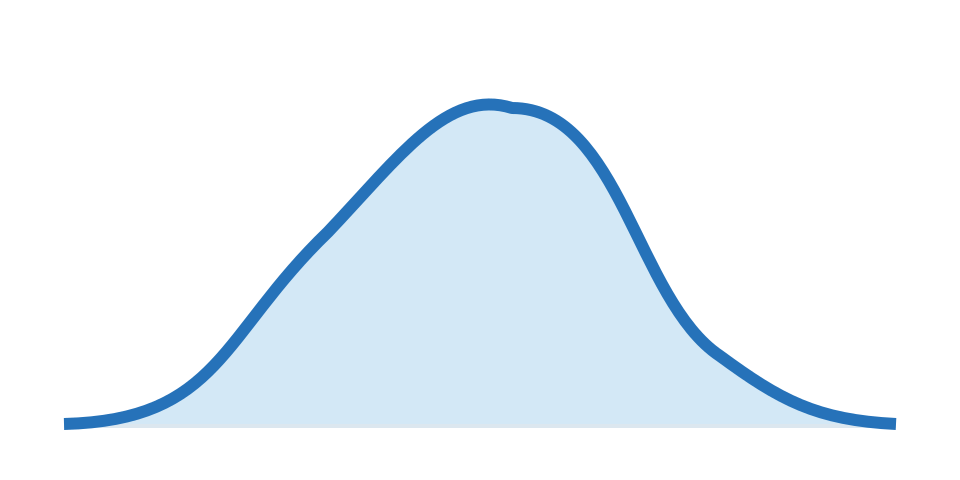
Where to use it: Server power-draw profiles across a fleet. Watch for: Smoothing is not raw observations.
Video: Understanding density curves, by Biostatsquid. This example demonstrates the density curve format; software shown is an illustrative tool, not the source of BitcoinVersus.Tech data.
Relationships
These formats examine how two or more measured dimensions move together. Such visual associations do not by themselves show that one variable causes another.
Scatter plot
A scatter plot places two numerical variables on perpendicular axes and marks each paired observation as a point. Patterns can reveal association, groups, and outliers without proving causation. Each point marks a paired observation, such as one ASIC’s electrical efficiency and its hash rate, or one robotic platform’s cost and completed tasks per hour. The point cloud may form an upward trend, a downward trend, separate clusters, or no discernible pattern. A regression line can summarize an association when its assumptions are justified. Outliers deserve investigation rather than automatic deletion. Importantly, a strong visual relationship does not prove that changing one measurement will cause the other to move.
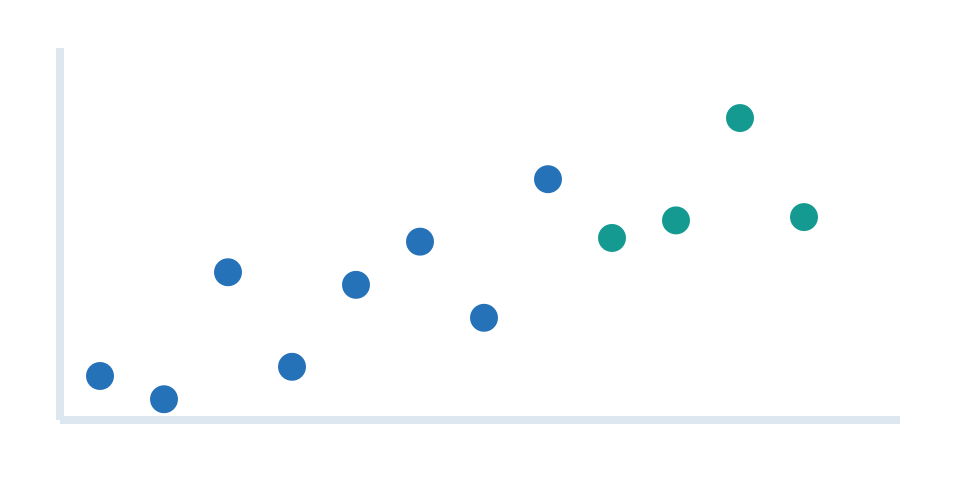
Where to use it: ASIC J/TH versus device hashrate. Watch for: Correlation alone does not prove causation.
Video: Scatter plots and relationships, by Mathcation. This example demonstrates the scatter plot format; software shown is an illustrative tool, not the source of BitcoinVersus.Tech data.
Bubble chart
A bubble chart extends a scatter plot by encoding a third numerical variable using circle area. It can show several dimensions at once but depends on correct area scaling and an understandable legend. A bubble chart adds a third quantity to a scatter plot through the area of each circle. For example, its horizontal position could represent hardware efficiency, its vertical position performance, and its area a manufacturer’s deployed capacity. Area must be scaled to the third numerical value, not circle radius, or the larger bubbles will be exaggerated. Overlapping bubbles can hide observations, so transparency and a size legend matter. If the third dimension is not essential to the story, a conventional scatter plot is easier to read.
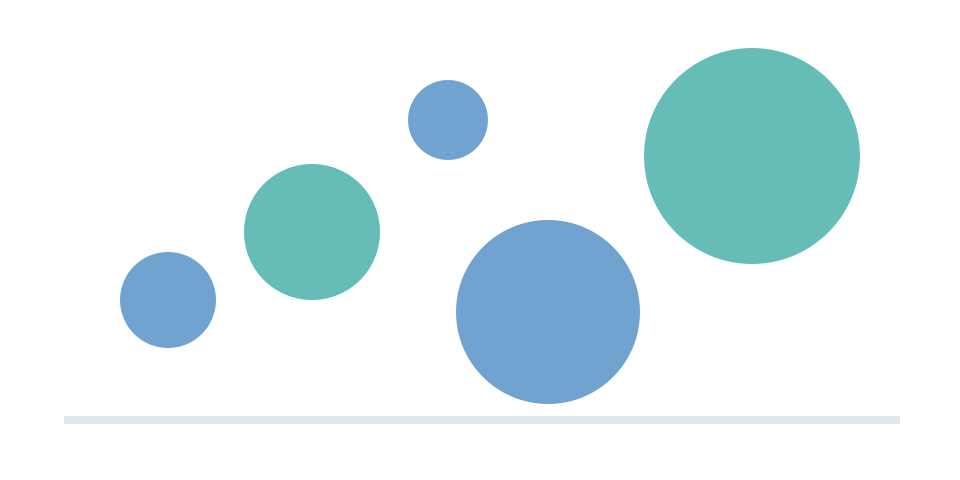
Where to use it: Robot cost, throughput, and fleet size. Watch for: Circle area—not radius—must represent size.
Video: Creating a bubble chart, by EasyClick Academy. This example demonstrates the bubble chart format; software shown is an illustrative tool, not the source of BitcoinVersus.Tech data.
Heatmap
A heatmap assigns a color to each cell in a matrix according to its value. It is effective for finding hot spots, recurring patterns, and differences across categories or time intervals. The grid contains cells positioned by two dimensions; the shade or intensity of each cell encodes another measurement. A heatmap is useful for hourly server power draws by day of week, error frequency by software version, or charging demand across a fleet. The color scale must have labeled numerical meaning, and readers should be able to distinguish zero, missing data, and genuinely low values. Use accessible palettes instead of relying only on red-green contrast. Compare panels with the same color limits whenever possible.
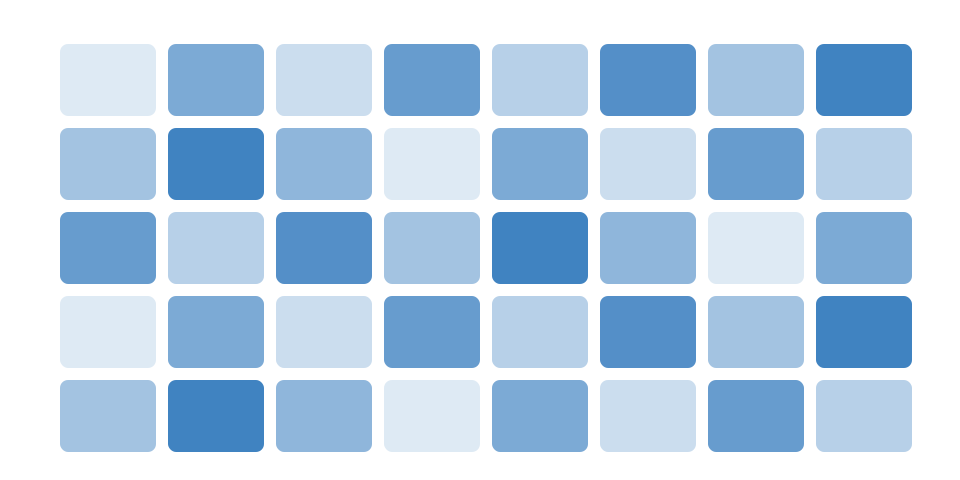
Where to use it: Server temperature by rack and time. Watch for: Use a legend with meaningful units.
Video: Building heatmaps, by Fernan (Power BI). This example demonstrates the heatmap format; software shown is an illustrative tool, not the source of BitcoinVersus.Tech data.
Hexbin plot
A hexbin plot divides a dense two-dimensional scatter field into hexagonal cells and colors them by the number of observations. It makes heavily overlapping datasets more legible. A hexbin plot partitions a scatterplot into hexagonal regions and shades them according to the number of observations inside. It becomes useful when hundreds of thousands of network events or sensor measurements would overlap into an unreadable cloud of dots. Hexagon size determines the level of detail, much like bin width in a histogram. A dark cell indicates many observations in a region, not necessarily a particularly high value of either variable. Show a color scale so readers understand the count or density represented.

Where to use it: Millions of data center telemetry samples. Watch for: Hexagon counts depend on spatial bin size.
Video: Hexbin plots in Python and Matplotlib, by AI Evolutionary. This example demonstrates the hexbin plot format; software shown is an illustrative tool, not the source of BitcoinVersus.Tech data.
Composition
Part-to-whole charts explain how a total divides among categories or nested subcategories. Always confirm that the displayed slices or cells share a valid denominator.
Pie / donut
A pie or donut chart divides one total into proportional slices. It is most readable with only a few categories, especially when a precise percentage comparison is not the main task. Each sector represents a fraction of one defined total, with the central hole distinguishing a donut from a filled pie. The format works for a simple composition such as three or four funding sources or categories of electricity consumption. Human readers compare angles less accurately than aligned bar lengths, so fine differences among several slices are difficult to see. Use direct percentage labels, keep the number of categories small, and ensure the fractions add to the same whole. Avoid three-dimensional effects that distort area.
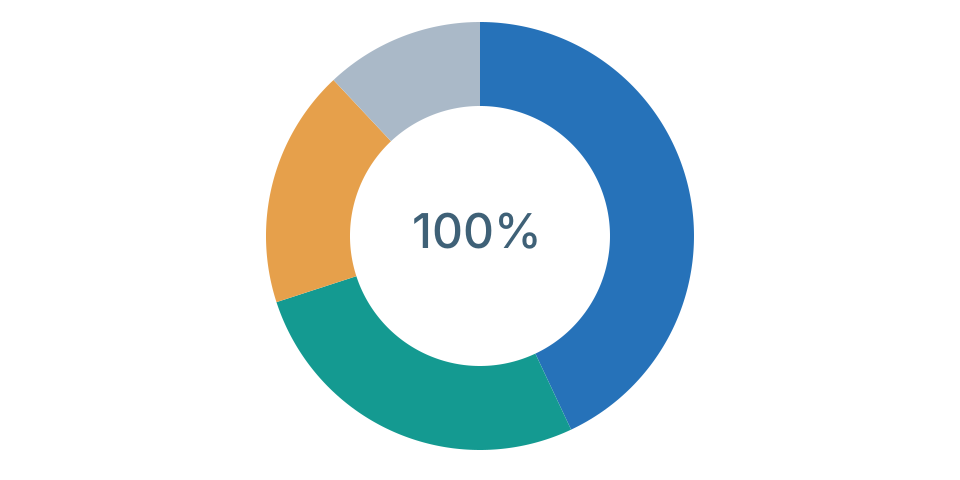
Where to use it: Robotics market revenue by segment. Watch for: Shares must sum to the whole; avoid many slices.
Video: Making a donut chart, by Patrick Bray CPA. This example demonstrates the pie / donut format; software shown is an illustrative tool, not the source of BitcoinVersus.Tech data.
Treemap
A treemap divides a large rectangle into nested smaller rectangles whose areas represent values. It efficiently displays the structure of a hierarchy and the relative contribution of its branches. Each rectangle is sized according to its share of a larger quantity and may contain smaller rectangles representing a hierarchy beneath it. A treemap can show cloud spending by service and subservice, or technology market capitalization divided by sector and company. Its compact layout makes large category structures visible without a long legend. However, small rectangles become hard to label, and area differences are less precise than bar-length differences. The source hierarchy must be genuine rather than a convenient grouping invented for visual effect.

Where to use it: Semiconductor revenue by product family. Watch for: Area labels must match the same denominator.
Video: Interpreting a treemap, by TIBCO. This example demonstrates the treemap format; software shown is an illustrative tool, not the source of BitcoinVersus.Tech data.
In financial news: A stock-market treemap may use rectangle area for a company’s market capitalization and color to indicate price movement. Yahoo Finance frequently presents market heatmaps and similar sector displays. Watch Yahoo Finance’s Jared Blikre explore an interactive market heatmap in an Astucemedia demonstration. A conventional heatmap uses color alone, while the treemap-style market map also uses area.
Waffle
A waffle chart arranges repeated squares into a grid, often using 100 cells to represent percentages. Readers can quickly see part-to-whole proportions when the values are sufficiently rounded. A waffle chart depicts a percentage using repeated small squares, often arranged as a grid of 100. A reader can quickly see that a category occupies about one-quarter or three-quarters of a total without comparing curved slices. The method is especially intuitive for broad survey results or a simple market share. Values may need rounding to whole squares, which should be described when precision matters. Multiple waffle charts should keep the same total number of cells so percentages remain comparable.
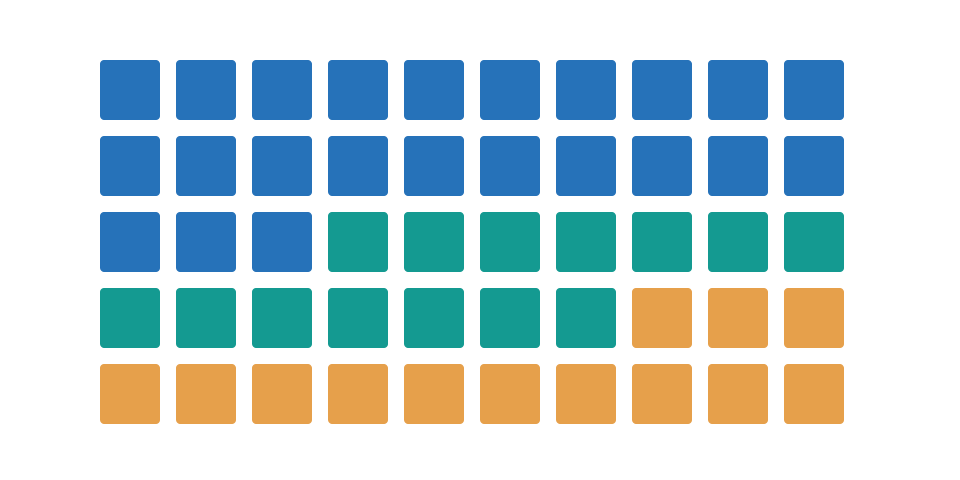
Where to use it: Share of a factory fleet with upgraded ASICs. Watch for: Define rounding and total number of cells.
Video: Constructing waffle charts, by Storytelling with Data. This example demonstrates the waffle format; software shown is an illustrative tool, not the source of BitcoinVersus.Tech data.
Sunburst
A sunburst chart arranges hierarchical categories in concentric rings. Each outer ring subdivides a segment of the inner ring into more detailed components. The center of a sunburst represents the top level of a hierarchy, while outward rings progressively divide categories into subcategories. The angular width of each segment represents its contribution to its parent or to an overarching total, according to the chart’s chosen specification. It can illustrate how data center spending breaks down from major systems into electrical equipment, cooling, and networking components. Tiny outer segments are hard to interpret. A treemap or a hierarchical table may be preferable when readers need exact values.
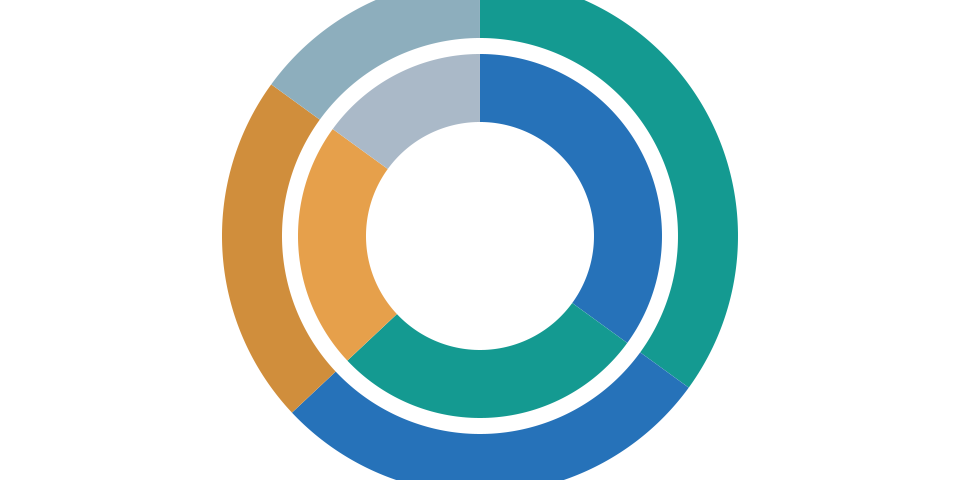
Where to use it: Data center spend: category → subsystem. Watch for: Too many levels make labels unreadable.
Video: Creating a sunburst chart, by Big Excel Energy. This example demonstrates the sunburst format; software shown is an illustrative tool, not the source of BitcoinVersus.Tech data.
Flows
Flow graphics illustrate quantities moving through stages, processes or categories. Use actual transition counts or volumes rather than connecting unrelated totals.
Sankey
A Sankey chart connects stages with ribbons whose widths represent measured quantities. It is valuable for tracing energy, money, goods, or other conserved flows through a system. A Sankey diagram draws connections between sources, intermediate stages, and destinations, with ribbon width proportional to a measured flow. For electrical infrastructure, it might depict energy arriving at a facility and then dividing among compute loads, cooling, conversion losses, and other services. When tracking a conserved quantity, outgoing flows must reconcile with incoming totals after accounting for losses or storage. Arrows and layout should not imply a physical route that the data does not support. Complex networks need clear labels to avoid a tangled graphic.
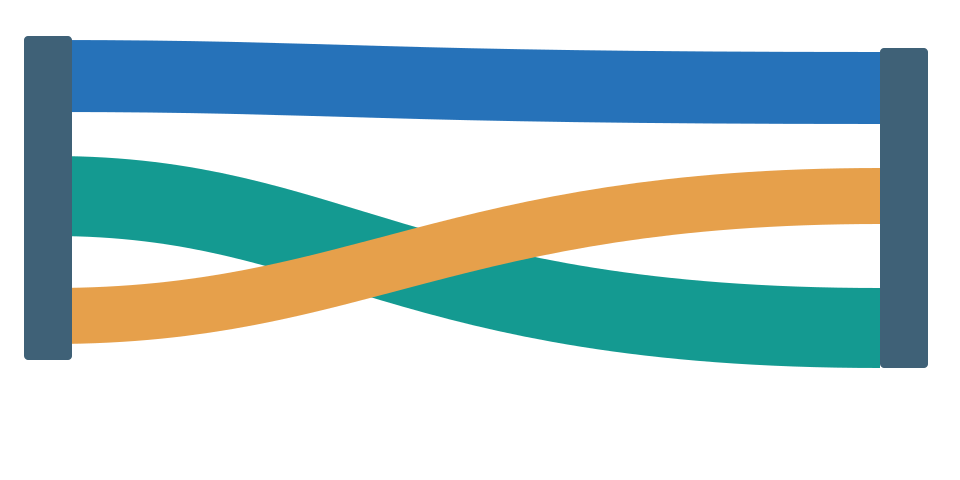
Where to use it: Electricity production → losses → IT load. Watch for: Flow values must conserve quantity.
Video: Building a Sankey diagram, by Art of Visualization. This example demonstrates the sankey format; software shown is an illustrative tool, not the source of BitcoinVersus.Tech data.
In the following demonstration, chart ribbons encode quantities moving between connected stages. That is why Sankey designs work well for electricity conversion, networking traffic and supply-chain logistics—provided the flow totals reconcile.
MediaWiki — Graphs! Visualize Maps and Data Graphs Live on Wikipedia, an English-language open-source visualization presentation. CC BY 3.0; source: Wikimedia Commons.
Funnel
A funnel chart represents a sequence of stages where a common population becomes smaller through filtering or attrition. It makes the difference between early interest and final completion visible. The widest stage usually represents the starting population, while later stages narrow as people, transactions, or items drop out. In technology reporting, a funnel might track applications from sign-up to qualified deployment, or hardware batches through inspection, testing, and final acceptance. Every stage should represent the same underlying cohort and time window. A funnel becomes misleading if its categories come from unrelated samples or if later counts can exceed earlier ones without explanation. Label stage-specific conversion rates as well as totals.
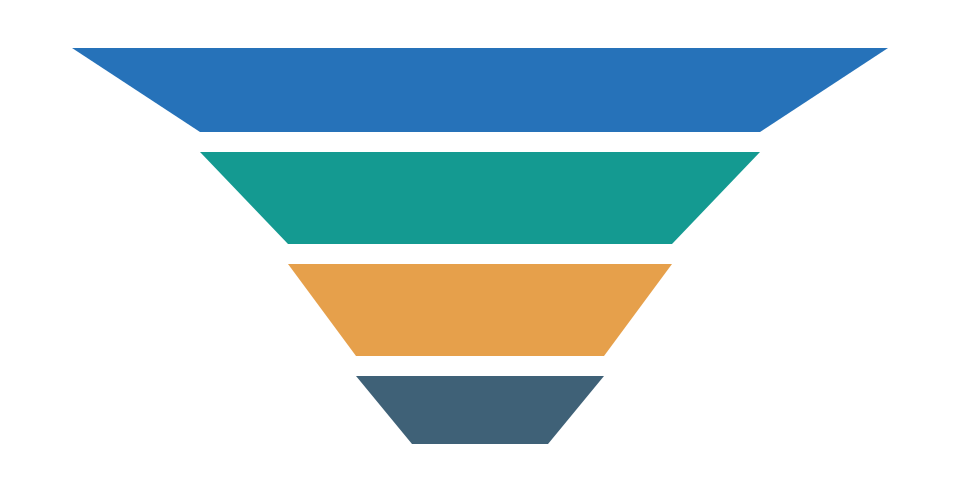
Where to use it: Robotics trials → pilots → production. Watch for: Only use when populations truly pass sequential stages.
Video: Creating funnel charts, by Leila Gharani. This example demonstrates the funnel format; software shown is an illustrative tool, not the source of BitcoinVersus.Tech data.
Operations
Operational charts explain schedules, daily variation, process stability and performance against defined limits. They are valuable for maintenance, power systems and project management.
Gantt / timeline
A Gantt chart positions activities as horizontal bars on a timeline. It shows when tasks start and finish, how long they last, and where workstreams overlap. Each horizontal bar indicates when an activity starts, how long it lasts, and when it is expected to finish. A Gantt chart is well suited to tracking data center electrical upgrades, semiconductor fabrication milestones, or robotics pilot deployments across several workstreams. Bars may include milestones, completion percentages, and dependencies, although too much detail makes the plan hard to read. Forecasted dates should not be confused with completed events. Update the timeline when schedules slip rather than leaving an obsolete target presented as current.
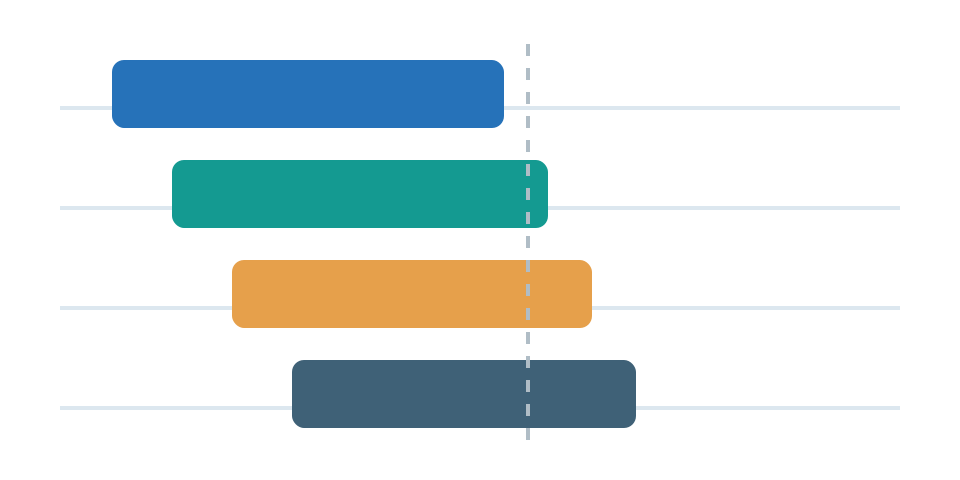
Where to use it: Datacenter project construction schedules. Watch for: Do not label planned dates as completed milestones.
Video: Using Gantt charts, by Project Management Training. This example demonstrates the gantt / timeline format; software shown is an illustrative tool, not the source of BitcoinVersus.Tech data.
Calendar heatmap
A calendar heatmap places daily values into calendar cells, using color to show intensity or frequency. Seasonal, weekly, and weekday effects become easier to spot. The familiar calendar layout lets readers detect recurring daily or weekly patterns. A colored cell might represent energy demand, patch failures, publication volume, or a machine’s hours of downtime on a given date. Consistent colors reveal clusters and seasonal effects that a plain list would conceal. Missing days should have a distinct appearance instead of being treated as zero. The color scale must stay consistent across months if their intensities are compared directly, and the article should identify the reporting period.
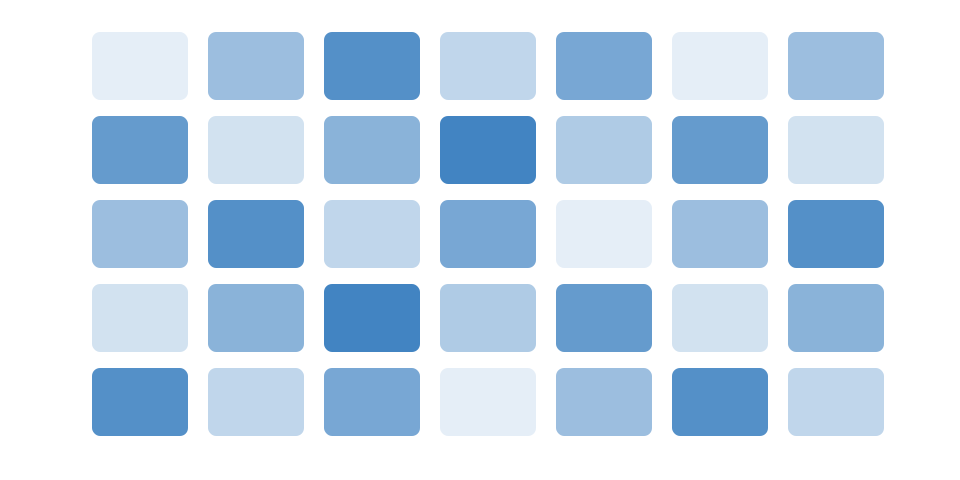
Where to use it: Data center incidents by calendar day. Watch for: Normalize if days have unequal exposure.
Video: Creating calendar heatmaps, by calendar heatmap tutorial. This example demonstrates the calendar heatmap format; software shown is an illustrative tool, not the source of BitcoinVersus.Tech data.
Control chart
A statistical control chart plots process measurements over time alongside a center line and calculated control limits. It helps distinguish ordinary variation from signals that a process may be changing. A control chart plots measurements in the order collected alongside a process center line and statistically derived control limits. In semiconductor manufacturing, it might reveal whether wafer defects or equipment temperatures remain stable across production batches. Limits are calculated from process variation; they are not necessarily specification tolerances or engineering safety limits. Patterns such as long runs on one side of the center may indicate a meaningful shift even when individual points fall inside the limits. Interpretation depends on the selected control-chart method and subgroup structure.
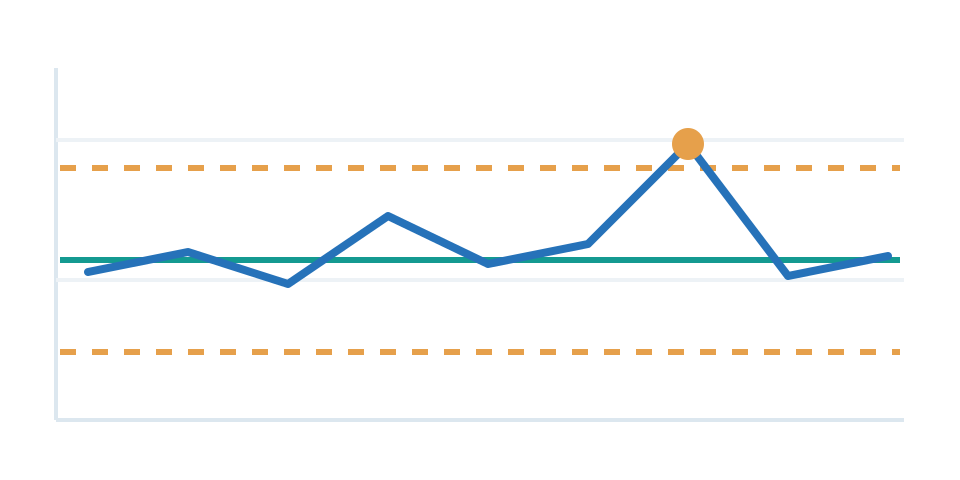
Where to use it: Coolant flow variation with control limits. Watch for: Use statistical limits, not arbitrary decoration.
Video: Control charts explained, by numiqo. This example demonstrates the control chart format; software shown is an illustrative tool, not the source of BitcoinVersus.Tech data.
Gauge
A gauge chart shows one current value on a bounded scale, usually alongside a target or danger zone. It is familiar in dashboards but often less precise than a labeled number or bullet chart. The needle or filled arc shows a current measurement in relation to a limited range, sometimes including marked zones for acceptable or dangerous performance. A gauge can make instantaneous capacity utilization or charging state easy to recognize on an operations dashboard. It is poorly suited to comparing several systems or showing how a metric has changed over time. Make the minimum, maximum and target explicit, and avoid arbitrary colored zones. A labeled number or bullet chart may convey the same information more precisely.
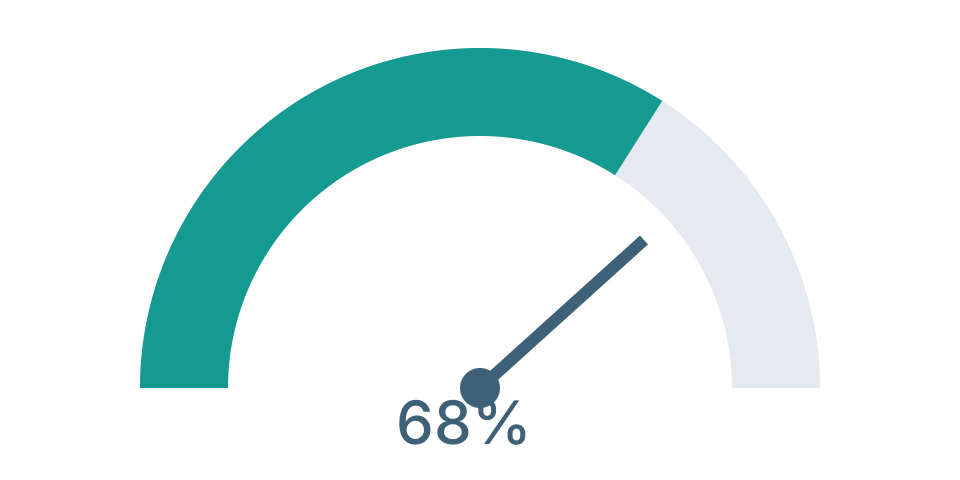
Where to use it: Live rack utilization percentage. Watch for: A single number plus target may be clearer.
Video: Creating a gauge chart, by Excel gauge tutorial. This example demonstrates the gauge format; software shown is an illustrative tool, not the source of BitcoinVersus.Tech data.
Radar / spider
A radar chart lays several measures along spokes radiating from a central point and connects their values. It can summarize a profile, but only when dimensions have compatible, clearly normalized scales. Each spoke represents a different metric, and the distance from the center indicates that metric’s value on its own axis. Connecting the points creates a polygon that can summarize the strengths and weaknesses of several equipment designs. Radar charts should only compare metrics that are normalized in defensible ways; combining raw watts, dollars, and percentages without normalization is misleading. Their irregular polygon areas can also make differences look larger than they are. Use tables or separate bar charts when exact cross-device comparisons are more important.
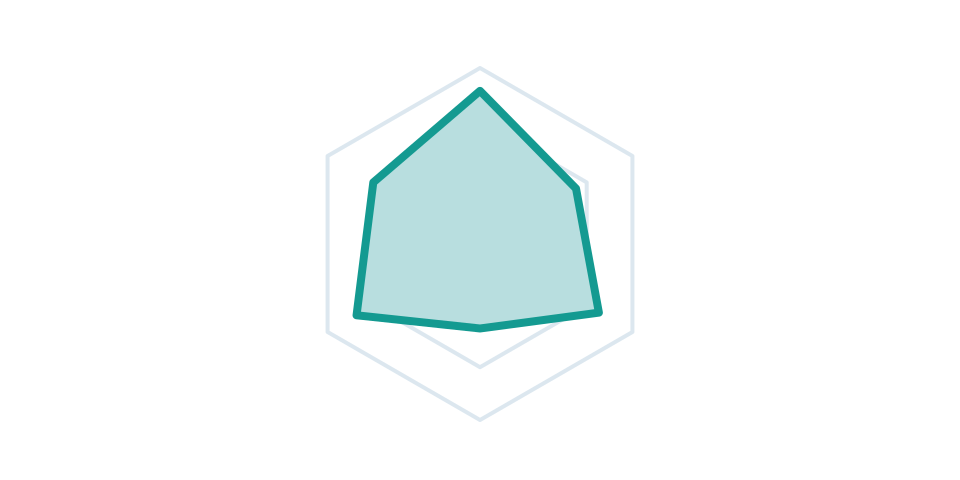
Where to use it: Robot mobility, dexterity, battery, payload. Watch for: Normalize dimensions and avoid arbitrary scores.
Video: Radar charts explained, by Analytics Advisors. This example demonstrates the radar / spider format; software shown is an illustrative tool, not the source of BitcoinVersus.Tech data.
In video games: The spider-chart format is a natural fit for sports-game player profiles, including the NBA 2K-style attribute comparisons familiar to basketball fans. Each spoke can represent a skill such as shooting, defense or speed. The accompanying video teaches how to read a radar chart; it is not presented as footage from an NBA 2K game.
Geography
Map-based charts associate values with locations. Correct coordinates, geographic boundaries, denominators and symbol sizes are essential to avoid geographic distortion.
Choropleth map
A choropleth map colors geographic regions by a regional statistic, such as a rate or percentage. Because countries and states differ in size, rates are often fairer than raw counts. A choropleth colors entire geographic regions according to a statistic such as industrial robots per worker or electricity use per resident. The map highlights spatial patterns while preserving familiar geographic boundaries. Rates and percentages generally work better than raw totals because large or heavily populated regions would otherwise dominate. Use a clear legend and appropriate classification intervals. Color palettes should not imply that adjacent regions have sharply different values when the numerical gap is small, and missing data needs its own designation.

Where to use it: Regional robot installations per 10,000 workers. Watch for: Use rates for fair comparisons between regions.
Video: Creating choropleth maps, by Datawrapper. This example demonstrates the choropleth map format; software shown is an illustrative tool, not the source of BitcoinVersus.Tech data.
Proportional-symbol map
A proportional-symbol map locates circles or other symbols on a map and sizes them according to a value at that place. It is suitable for comparing geographic point quantities rather than whole-region rates. Instead of coloring a whole state or country, a proportional-symbol map places circles at verified locations and scales each circle’s area to a value. That makes it useful for comparing the power capacity of individual data center projects or the number of robots deployed at named facilities. Location accuracy matters because a misplaced symbol can suggest the wrong community or infrastructure corridor. Large symbols may overlap, so readers need a legend and, where relevant, a way to inspect exact values. Never scale symbol radius directly to the data.

Where to use it: MW at individual data center project locations. Watch for: Use area-scaled symbols and verified coordinates.
Video: Proportional-symbol maps in GIS, by GeoDelta Labs. This example demonstrates the proportional-symbol map format; software shown is an illustrative tool, not the source of BitcoinVersus.Tech data.
How to choose the right chart
Start with the analytical question. If it asks how a metric changed through time, begin with a line or area chart. If it asks which option is larger, begin with bars. For variation across samples, consider a histogram or box plot. For associations, use a scatter plot; for shares, a composition chart; for transfers, a Sankey; and for regional differences, a carefully normalized map.
The most useful chart is not necessarily the most elaborate. Label units and observation dates, distinguish measured values from projections, and include the source immediately beside the visual. Keep consistent axes across comparisons. For Bitcoin mining, energy efficiency measured in J/TH is not directly interchangeable with electricity cost, total hash rate, or an AI server’s tokens per second: distinct units need separate axes or clearly documented conversions.
The interactive atlas can be downloaded as one self-contained HTML page, while all 40 example chart images are individually available on GitHub. The illustrations above demonstrate visual forms only; none should be reused as a claim about real companies or systems without replacing the fictional data with sourced observations.
BitcoinVersus.Tech Editor’s Note: We volunteer daily to ensure the credibility of the information on this platform is Verifiably True. If you would like to support our work and help further secure the integrity of our research initiatives, please scan the QR code below to donate 5,000 sats. For best results, open this article on a laptop or larger screen and scan the QR code with your mobile Bitcoin wallet.

BitcoinVersus.tech is not a financial advisor. This media platform reports on financial subjects purely for informational purposes.


Leave a Reply